




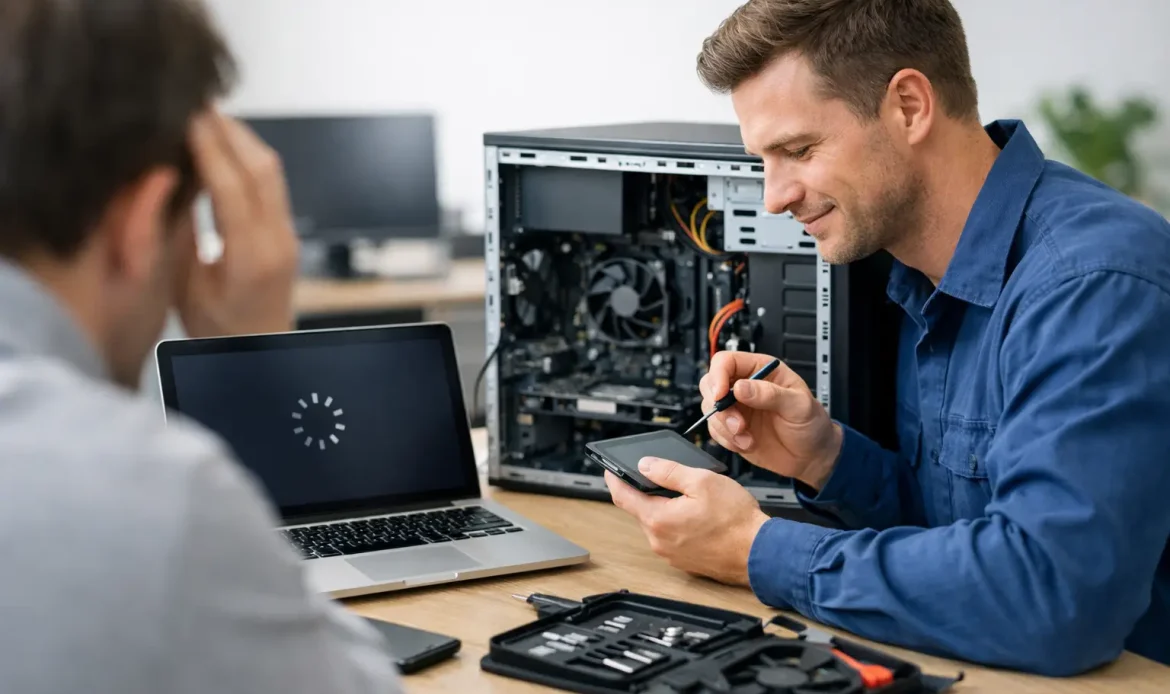
When a computer takes ten minutes to start, freezes halfway through opening email, or grinds to a halt with just a few browser tabs open, it stops being a minor annoyance and starts wasting real time. A proper slow computer repair service is about more than making a PC feel a bit quicker – it is about finding the actual cause, fixing it properly, and helping you avoid the same problem again next month.
For home users, a slow computer usually shows up at the worst time. It might happen when you are trying to pay bills, join an online appointment, help the kids with schoolwork, or back up important files. For a small business, the cost is even more obvious. Staff end up waiting on programs to load, email drags, files take too long to open, and simple jobs start taking twice as long as they should.
What a slow computer repair service should actually do
There is a difference between a quick tidy-up and a proper repair. Some slowdowns come from too many startup programs, old temporary files or a browser full of extensions. Those can often be sorted fairly quickly. But many sluggish systems have deeper issues such as failing storage drives, low memory, Windows problems, malware, overheating, outdated hardware or network trouble that makes the whole machine feel slow.
A good slow computer repair service should not jump straight to the most expensive answer. It should start with diagnosis. That means checking whether the slowdown is software-related, hardware-related, or a mix of both. It also means asking how the computer is used every day. A laptop that only handles email and web browsing needs a different fix from a desktop running accounting software, large spreadsheets or design programs.
That practical approach matters because the right repair is not always the same. In some cases, a cleanup and tune-up is enough. In others, a solid-state drive upgrade or extra memory makes a dramatic difference. And sometimes the honest answer is that the computer is old enough that spending money on repeated repairs no longer makes sense.
Why computers become slow over time
Most people notice the symptom before they notice the cause. The computer is slow, noisy, unresponsive or randomly freezes. What sits behind that can vary quite a bit.
One common problem is storage. Older hard drives become a major bottleneck, especially in machines still trying to run modern versions of Windows on outdated hardware. Even if the computer technically still works, it can feel painfully slow when starting up, opening programs or saving files. In many Windows PCs, replacing an old hard drive with an SSD is one of the biggest performance improvements available.
Memory is another factor. If a computer does not have enough RAM for the way it is being used, it starts relying too heavily on storage as temporary working space. That slows everything down. The signs are familiar – too many open tabs cause stuttering, switching between programs takes ages, and basic multitasking becomes frustrating.
Software issues are just as common. Years of accumulated startup items, half-removed programs, old drivers, Windows errors and poor update history can all drag performance down. Malware and spyware are also still a real issue. Not every infected computer throws obvious warnings. Sometimes it simply becomes unstable, noisy, or unusually slow online.
Then there is heat. Dust buildup, failing fans and blocked vents can cause a machine to throttle performance to protect itself. People often assume the computer is just ageing, when in reality it is running too hot and slowing itself down.
Repair, upgrade or replace – it depends
This is where honest advice matters. Not every slow PC needs replacing, and not every old PC is worth upgrading.
If the computer is generally reliable and suits the user apart from its speed, a targeted repair can be the best value option. Cleaning up Windows, removing malware, checking drive health, resolving update issues and improving startup behaviour can restore a lot of lost performance. If the machine has a traditional hard drive, upgrading to an SSD can change the day-to-day experience significantly.
If the slowdown is caused by low memory or ageing storage, an upgrade often makes more sense than buying a whole new computer. That is especially true for users who are comfortable with their current setup and just want it working properly again.
On the other hand, some systems are already at the point where repairs become a holding pattern. If parts are failing, the machine cannot support current software well, or Windows 11 compatibility is becoming a concern, replacement may be the more sensible path. In that situation, the right technician should say so plainly rather than stretching out a repair that offers poor value.
What to expect from a practical repair process
A useful service should feel straightforward, not confusing. Most customers simply want to know three things – what is causing the problem, what it will take to fix, and whether the cost is worth it.
A proper assessment usually starts with the symptoms. Is the PC slow all the time, or only on startup? Does it freeze when opening certain programs? Is the internet slow on one device only, or across the whole house or office? Does the machine make unusual noises? Those details help narrow down whether the issue sits with the computer itself, the network, or a particular program.
From there, a technician should check system health, storage condition, memory use, startup load, malware risks, update status and general hardware performance. If the issue can be fixed on-site, that is often the fastest option. If more involved work is needed, pickup-and-return servicing can save the customer the hassle of disconnecting everything and taking it into a shop.
For many Adelaide households and small businesses, convenience matters as much as the repair itself. That is why mobile support, remote help for suitable software issues, and clear pricing make such a difference. Southern Computer Services SA, for example, focuses on that practical model – local support, no call-out fees, and straightforward help for the sort of real-world Windows and networking problems that stop people getting things done.
Fast fixes are useful, but lasting fixes matter more
Anyone can promise to speed up a computer. The better question is whether the fix will still hold up after a week of normal use.
Quick cleanups have their place, especially when a machine is clogged with temporary files, excessive startup apps or browser junk. But if the root problem is a failing drive, hidden malware, damaged Windows files or inadequate hardware, a surface-level tidy-up only delays the real job.
That is why a good repair service should explain trade-offs clearly. A software cleanup might improve performance now, but an SSD upgrade may provide the bigger long-term gain. A Windows reinstall might resolve a messy system, but only after checking that important files are backed up properly. A business PC with recurring slowdowns may need more than a repair if the workload has outgrown the hardware.
Customers do not need jargon. They need straight answers and a recommendation that matches how they actually use the computer.
When local support is the better option
There is a reason many people prefer a local technician over a large retail chain or generic help desk. Slow computer issues are often mixed in with everything else – patchy Wi-Fi, printer trouble, email problems, backup worries, file recovery, or a second family computer that is also misbehaving. Real support looks at the full picture.
For home users, that can mean someone coming out, checking the laptop, confirming the modem setup is behaving, and making sure the machine is safe and usable again. For a small business, it may involve getting a main workstation back up to speed while also checking network performance and making sure staff can keep working.
That kind of support is especially valuable when time matters. If you are in places like Morphett Vale, Hallett Cove, Marion, Christies Beach or Aldinga, dealing with a nearby technician can mean less downtime and less running around.
Signs it is time to book help
If the computer is taking ages to boot, freezing regularly, running unusually hot, making clicking noises, showing persistent error messages, or becoming almost unusable during ordinary tasks, it is worth getting it checked sooner rather than later. The same goes for systems that have become slow after suspicious pop-ups, strange browser behaviour or unwanted software appearing out of nowhere.
Waiting too long can turn a simple repair into a more expensive one. A tired drive can fail completely. Malware can spread further. Performance issues that seem minor at first can end up affecting important files, online security or daily business tasks.
The most useful repair service is the one that treats slowness as a solvable problem, not something you just have to put up with. If your computer is wasting your time every day, getting clear local advice now is usually cheaper, easier and less stressful than limping along with it for another six months.

