



Windows 11 Upgrade Service - We Come to You - 7 Days a Week
Why Waiting to Upgrade to Windows 11 is a Risk You Don’t Want to Take
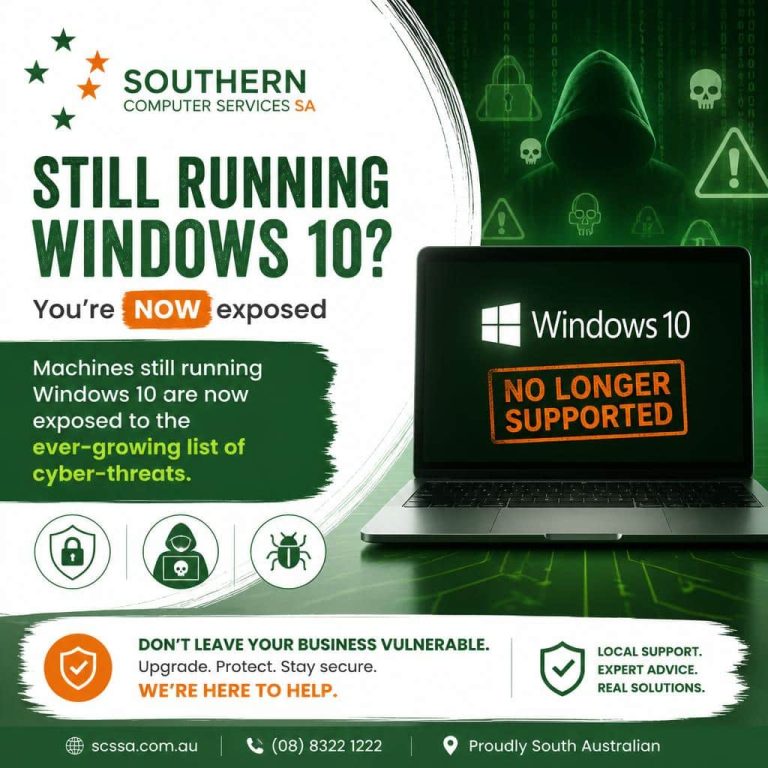
It feels like only yesterday that Windows 10 was released, but Microsoft support officially ended on 14 October 2025. Any machines still running Windows 10 are now exposed to the ever-growing list of cyber-threats.
For many organisations and home users, it’s easy to push upgrading to Windows 11 off into the future. Unfortunately, cyber-criminals aren’t waiting around. With exploits already stock-piled prior to 14 October of last year, many will already be currently hard at work to compromise machines that havent been upgraded. Upgrading now, while you still can, ensures you won’t fall victim to these unscrupulous, malicious actors who are always actively looking for their next target.
Why the End of Updates Matters
1. Unpatched Vulnerabilities
Each month Microsoft discloses newly discovered flaws—many of them critical. It has been this way since the earliest versions of Windows 95/98. Since 14 October 2025, those same flaw reports keep coming, but Windows 10 fixes and security patches have ceased. Hackers have effectively been handed a roadmap to break into out-of-support PCs.
2. Compliance & Insurance Implications
Regulations such as GDPR, HIPAA, PCI-DSS, and ISO 27001 demand that systems run manufacturer-supported software. Cyber-insurance policies typically carry the same stipulation. As a business, staying on Windows 10 could void coverage and expose you to fines.
3. Third-Party Software Compatibility
Adobe, Google, and countless others routinely follow Microsoft’s lead. Once Windows 10 support ends, their new versions, drivers, and even browsers may refuse to install, locking you out of future innovations.
4. Business Brand Reputation & Downtime
A single ransomware incident triggered by an unpatched OS can stop operations for days, leak customer data, and obliterate trust you’ve spent years building.
5. End User Security Risks
Internet banking & other online financial transactions will become targets for threat actors, as new security holes in Windows 10 continue to be discovered and exploited. This could result in significant personal financial loss, which the banks and credit card companies may not cover.
Windows 11: Built for Today’s Threat Landscape
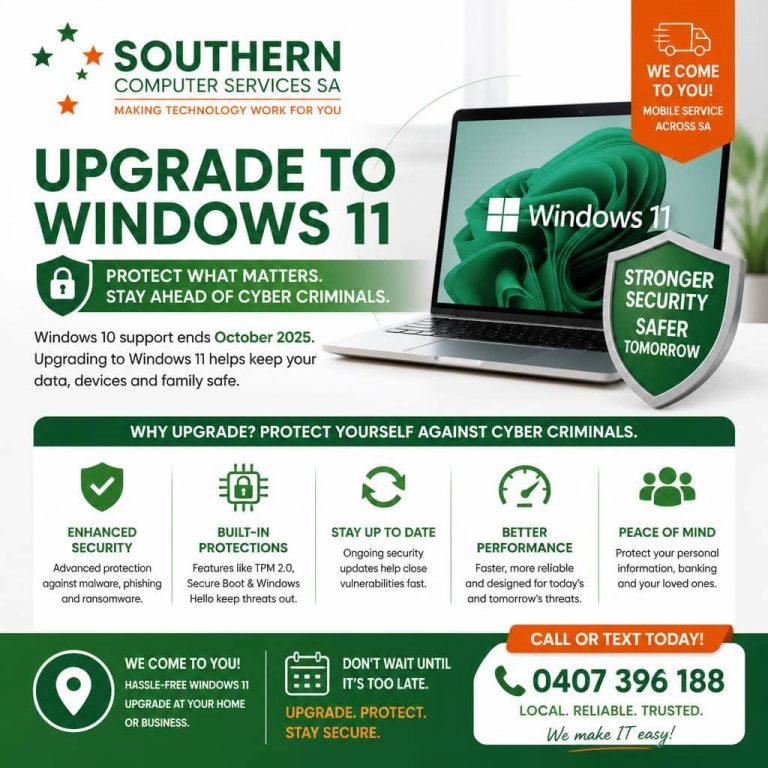
Microsoft’s latest operating system isn’t just a cosmetic refresh; it was architected with “security-by-design” principles that anticipate modern attack vectors.
Windows 11 Security Feature | What It Does | Why It Matters |
TPM 2.0 & Secure Boot | Stores cryptographic keys in hardware; blocks boot-level malware | Stops attackers before the OS even loads |
Virtualization-Based Security (VBS) | Isolates sensitive processes in a secure enclave | Renders privilege-escalation exploits nearly useless |
Credential Guard & Windows Hello | Hardware-rooted biometrics, PINs, and passwordless sign-ins | Eliminates credential harvesting and replay attacks |
Smart App Control & Phishing Safeguards | Uses AI to block malicious apps and flag fake login pages | Prevents “click-and-install” mistakes by end-users |
Pluton Security Processor (on new hardware) | Chip-to-cloud protection that’s resistant to physical tampering | Perfect for remote and hybrid work environments |
Add to that faster performance, improved window management (Snap Layouts), integrated AI assistance (Windows Copilot), and battery life gains, and the upgrade becomes a productivity story as well as a security imperative.
What If Your Current PC Doesn’t Meet Windows 11 Requirements?
Windows 11 requires:
- 64-bit 1 GHz dual-core CPU with Intel 8th Gen, AMD Zen 2, or newer architecture
- 4 GB RAM (8 GB+ recommended)
- 64 GB storage
- TPM 2.0 chip & UEFI firmware with Secure Boot
Machines lacking these may technically run the latest Windows through work-arounds, but doing so risks instability and voids Microsoft’s support. In most cases it’s more cost-effective to refresh aging hardware:
• Lower TCO: New PCs are lighter, faster, consume up to 60 % less energy, and demand less maintenance.
• Lifecycle Alignment: A new device purchased today will receive Windows 11 updates until at least 2031.
• Enhanced Features: Wi-Fi 6E, Bluetooth 5.3, OLED/120 Hz displays, and AI-powered webcams improve user experience.
Timelines and Options
Windows 10 Extended Security Updates (ESU) as Last Resort
Microsoft offer paid ESU’s for A$44.95 per device. ESU is a temporary bridge, not a long-term strategy.
🎯 Ready to future-proof your device?
Contact us today for a no-obligation Windows upgrade consultation, and let us help keep you and your data safe, and your Windows device compliant well beyond 2026.

We are Accredited


Still Have Questions?


© 2025 Southern Computer Services SA – Computer & Laptop Repair Specialists

