


RemotePC Support Service - Expert Help. Wherever and Whenever You Need It.
Remote Support – Powered by RemotePC©
Need help right now but can’t bring your computer to us? Our new Remote Support option lets our certified technicians connect to your PC securely over the internet, diagnose issues in real-time and resolve them while you watch. No matter where you are in South Australia!
It’s fast, safe and convenient—no waiting, no travel, no hassle.
Why Choose RemotePC Support?
- Instant help – Get assistance within minutes of your call.
- Secure connection – Enterprise-grade 256-bit AES encryption protects your data.
- Lower cost – Saves our technicians time = Savings for you!
- See everything – You can watch every step on your screen and end the session at any time.
What We Can Do Remotely
• Software installation & updates
• Virus/malware removal
• Email and Office troubleshooting
• Printer & peripheral setup
• Performance optimisation
• Backup configuration and cloud sync
• Training and “how-to” assistance
…and much more.
(For hardware repairs or internet-outage issues, an on-site visit may still be required.)
How It Works
1. Book a Session
Call us on 0407396188 or email support@southerncomputerservices.com.au. We’ll schedule a convenient time and send you a one-time RemotePC support link.
2. Download the “RemotePC Support Quick Access” App
• Click the link we send you and download the small file (under 10 MB).
• No admin rights? Ask us—we can guide you through a portable version.
3. Enter the unique Access Code we provide you
• Open the downloaded file (no installation necessary).
4. Watch Us Work or grab yourself a coffee
• Our technician connects and takes control of your mouse/keyboard.
• You’ll see everything on your screen and can chat or disconnect with us at any time.
5. Session Ends, Connection Closes
• Once finished, we’ll disconnect.
• The temporary Access ID/Key expire automatically—no one can reconnect without your permission.
Security & Privacy
• End-to-end encryption: All data is secured with 256-bit AES.
• One-time access keys: Each session uses a unique ID and Key.
• You remain in control: Pause, resume or terminate the session at any moment.
• No background service: The Quick Access app closes completely when we disconnect, leaving no open doors.
System Requirements
• Windows 8/10/11 (32 & 64-bit)
• Stable internet connection (minimum 4 Mbps recommended)
• For mobile viewing only: iOS 13+ or Android 8+
Pricing
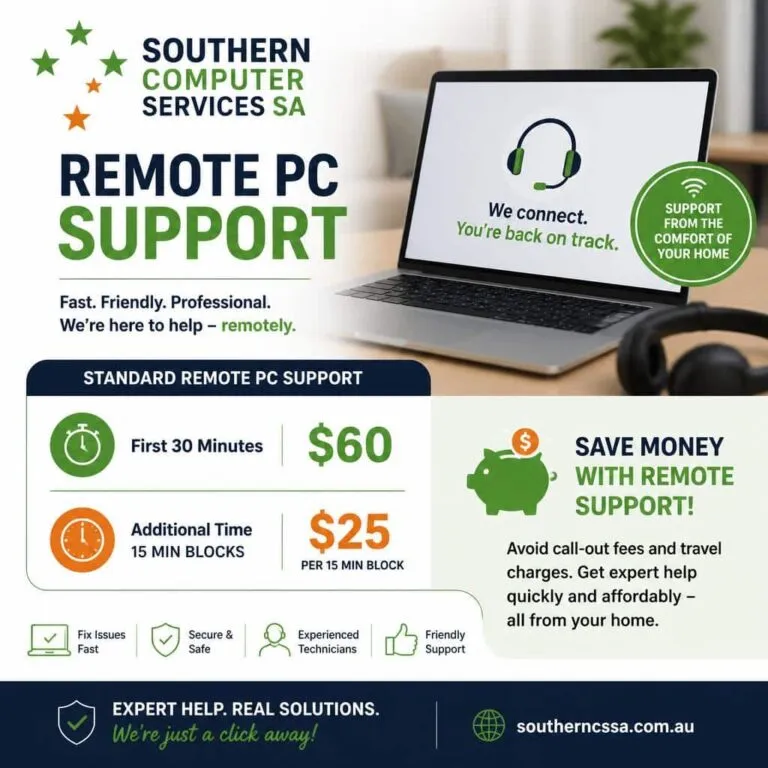
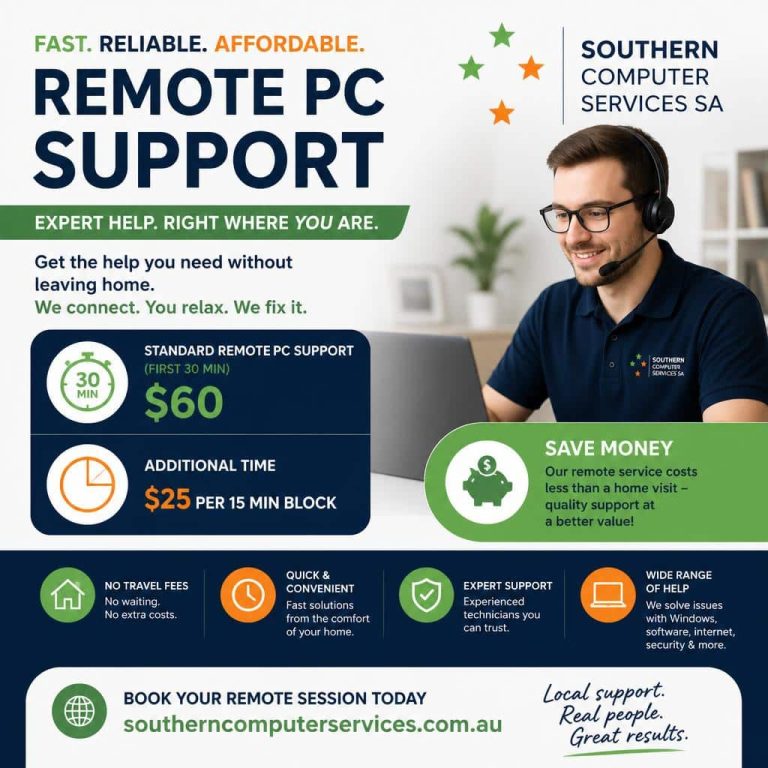
• Standard RemotePC Support (first 30 min): $60
• Additional time: $25 per 15 min block
• Pre-paid Support Packs available—save up to 10%. Ask us for details.
• Concession Card Holder Discount—10%.
Frequently asked questions
No. Once we disconnect, the session keys expire and we cannot reconnect unless we generate new ones and you enter the key/code on your end.
The session will pause automatically. We’ll call you to reschedule or continue once connectivity is restored.
Not for one-time sessions. The Quick Access module runs without installation. For ongoing support, you can opt to install the full RemotePC host (with your permission).
Yes. RemotePC Support is ISO/IEC 27001 certified and uses TLS v1.2/AES-256 encryption. We can also sign a confidentiality agreement on request.
Ready for Help?
1. Call 0407396188 or email support@southerncomputerservices.com.au
2. Mention you’d like “RemotePC Support via RemotePC.”
3. Sit back while we solve your tech troubles—in real-time!
Southern Computer Services SA – Keeping your technology running smoothly, wherever you are.

We are Accredited


© 2025 Southern Computer Services SA – Computer & Laptop Repair Specialists

