



Home Cloud Backup Setup for Families and Home Offices
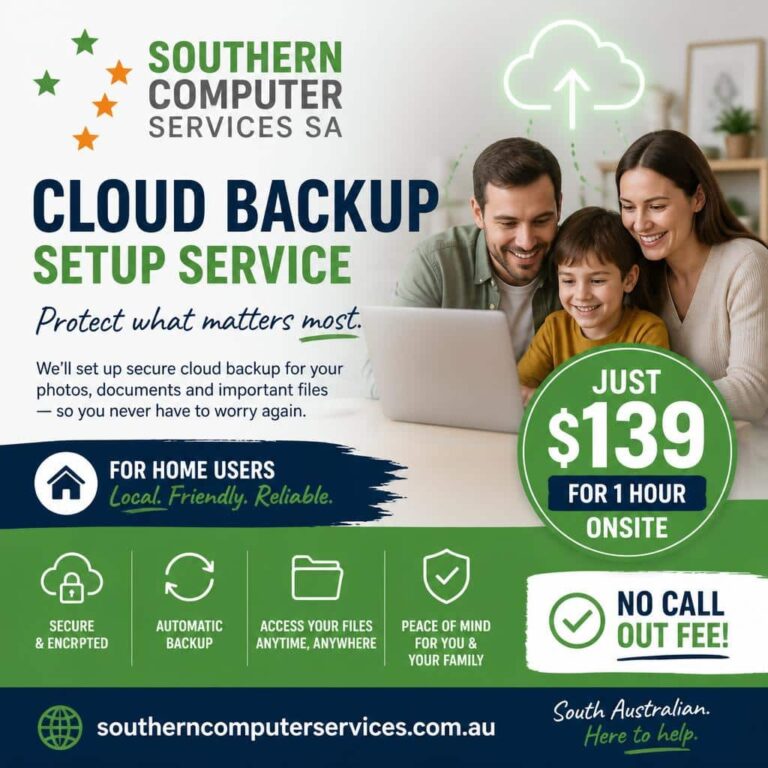
Protect your photos, schoolwork, and finances with our reliable, automated cloud backup service. We come to you to set up OneDrive, Google Drive, Dropbox, or a secure hybrid of local NAS + cloud for your most important Windows files.
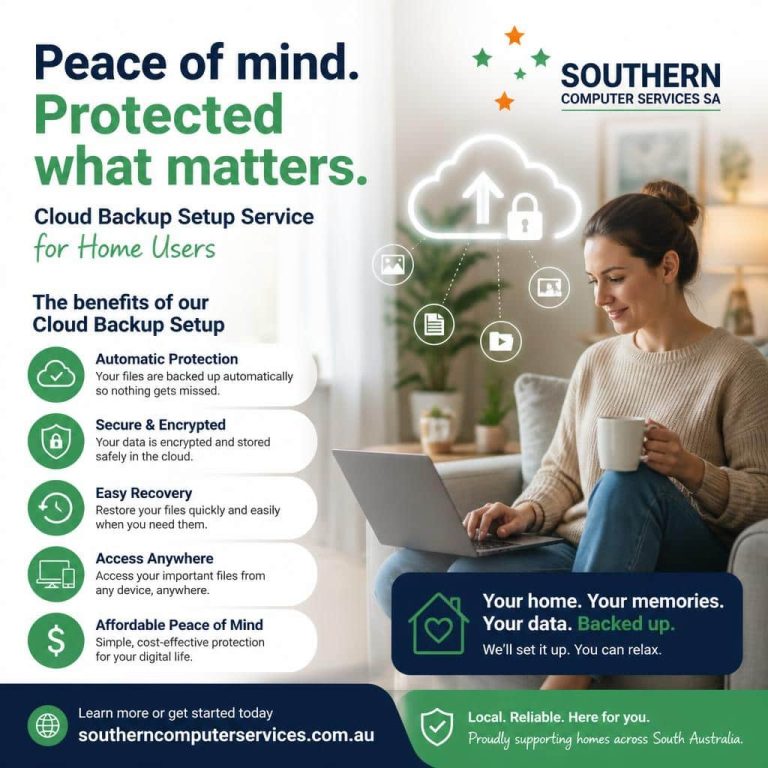
Why Choose Our In‑Home Cloud Backup Service
– We come to you: On‑site setup and training for PCs, Macs, phones, and tablets
– Seamless with what you already use: OneDrive, Google Drive, iCloud, Dropbox
– Hybrid options for privacy: Local NAS + encrypted cloud for sensitive data
– Set‑and‑forget reliability: Automated backups with version history and recovery
– Security first: Two‑factor authentication, device encryption, and safe sharing
– Friendly help: We explain everything in plain English and leave you confident
Backup Options We Set Up and Support
Microsoft OneDrive
– Best fit for Windows 10/11 and Microsoft 365 users
– Desktop Documents/Pictures backup with “Known Folder” protection
– Easy restore from version history and ransomware recovery tools
Google Drive (including Google Photos)
– Great for Android users and households using Gmail/Docs
– Google Photos for automatic photo/video backup from phones
– Simple sharing/collaboration and cross‑device sync
Dropbox
– Straightforward, cross‑platform syncing
– Smart selective sync for space‑saving on laptops
– Easy sharing, file requests, and version history
Hybrid: Cloud Backup and Storage/NAS (Best for Sensitive or Large Libraries)
– Primary storage on your in‑home NAS for speed and privacy
– Encrypted cloud mirror for off‑site protection and disaster recovery
– Great for big photo/video collections, home businesses, and archives
– Optional client‑side encryption for an extra layer of privacy
What We Can Back Up
– Windows PCs and laptops (user folders, photos, videos, documents)
– External USB drives and memory cards
– Home NAS devices (Synology, QNAP, and others)
– Family‑shared libraries and schoolwork
We follow the 3‑2‑1 rule: 3 copies of your data, on 2 different types of storage, with at least 1 copy off‑site.
How Our In‑Home Service Works
1. Discovery and plan (30–45 minutes)
– We review what’s important to you, where your files live, and your devices
– We size your storage and recommend OneDrive, Google Drive, Dropbox, or a hybrid NAS + cloud backup setup
2. Set up and secure (On‑site)
– Install and configure apps on all your devices
– Turn on automatic backups, version history, and selective sync
– Enable two‑factor authentication and secure sign‑in
– Organize folders and clean up duplicate or orphaned files where needed
3. Verify and train
– Test restores so you know how to get files back fast
– Show you how to access files anywhere and share safely
– Leave you with a simple “what to do if…” guide
4. Optional ongoing care
– Health checks, storage tuning, and new‑device add‑ons
– Alerts for failed backups and low‑space situations
– Family support plans and seasonal photo cleanups
Security and Privacy Built In
– Encrypted in transit and at rest by your chosen provider
– Two‑factor authentication and recovery codes set up with you
– Optional client‑side encryption for NAS + cloud mirrors
– Device encryption (BitLocker/FileVault) and secure password practices
– We never keep your passwords; we can work alongside you at every step
Common Recovery Scenarios We Prepare For
– Accidental deletion or overwriting a document
– Lost, stolen, or damaged devices
– Drive failure or liquid damage
– Ransomware or malware incidents
– Upgrading to a new phone or computer without losing photos or files
With version history and tested restore points, you can roll back to a good copy in minutes.
Who This Is For
– Families with years of photos and video memories
– Students with assignments and research
– Home offices and gig workers with important docs and client files
– Privacy‑minded users who want a local copy and off‑site protection
Frequently Asked Questions
– How much cloud storage do I need?
– We assess your library and growth rate, then recommend a plan (often 200 GB–2 TB per household; more for large media libraries).
– Will backups slow down my computer or internet?
– We schedule uploads during off‑hours and use bandwidth limits and selective sync so your devices remain fast.
– Can I mix providers (e.g., Dropbox for photos and OneDrive for documents)?
– Yes. We frequently build mixed setups tailored to each family member’s devices and preferences.
– What is the best cloud backup method?
– The “best” backup method depends on your specific needs, but the gold standard for personal and professional data is the 3-2-1 backup strategy, which utilizes dedicated cloud backup services (like IDrive or Backblaze) combined with local drives.
– What if I already have a mess of folders?
– We’ll help organize, deduplicate, and consolidate so backups run smoothly and you can find things easily.
– Do you offer ongoing monitoring?
– Yes—optional plans include periodic health checks, space management, and help adding new devices.
Get Started
– Free phone consult to discuss your needs
– In‑home setup at a convenient time for you
– Clear, flat‑rate pricing with no surprises
Ready to protect your data? Contact us to book your in‑home backup setup in the cloud and keep your files safe—automatically.
We are Accredited


© 2025 Southern Computer Services SA – Computer & Laptop Repair Specialists

