




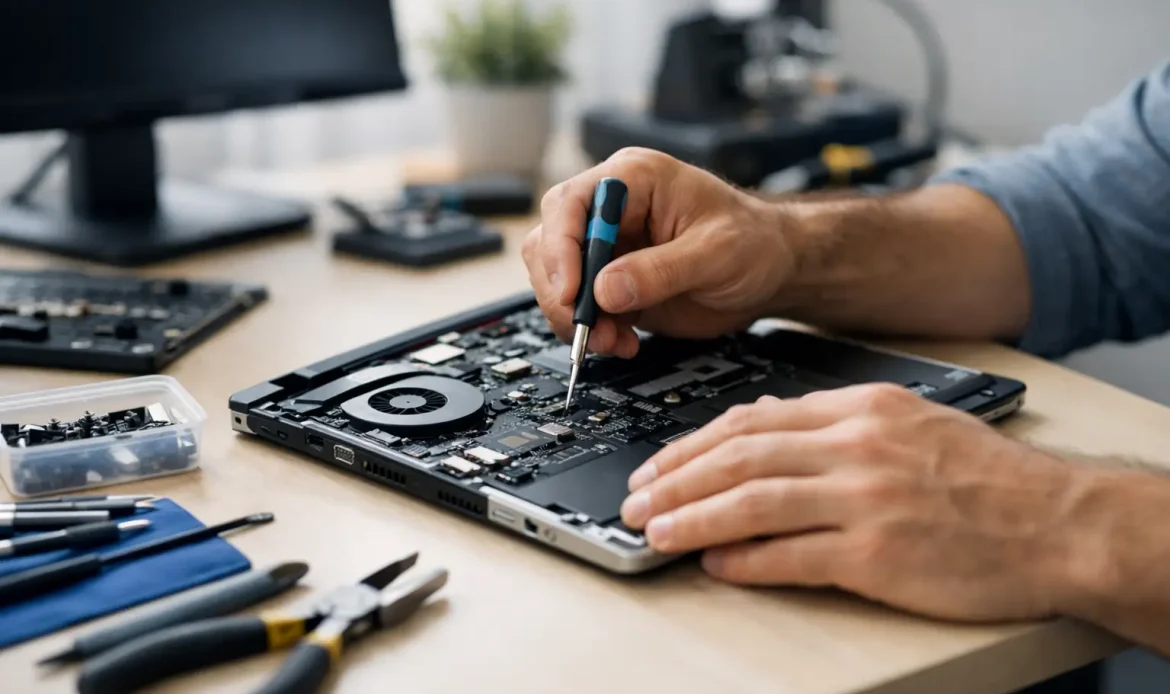
A cheap repair is only a bargain if it fixes the problem properly the first time. That is why low cost computer repairs matter so much – not just because people want to spend less, but because they want clear answers, fair pricing, and a computer that works the way it should without the run-around.
For many home users and small businesses, the real frustration is not the fault itself. It is the uncertainty. Is the computer slow because it is old, infected, full of junk software, overheating, or starting to fail? Are you paying for a simple fix, or are you about to be talked into replacing half the machine? Good repair work should remove that guesswork.
What low cost computer repairs should really mean
Low cost does not mean cutting corners. It should mean paying for the right repair, not paying for unnecessary parts, inflated labour, or vague service charges. A fair-priced job starts with proper fault finding. If a laptop is taking ten minutes to boot, for example, the answer might be malware removal, a failing hard drive, a Windows cleanup, or a solid-state drive upgrade. Those are very different jobs with very different outcomes.
That is why honest advice matters as much as the price itself. Sometimes the most affordable option is a repair. Sometimes it is a reinstall. Sometimes it is a targeted upgrade that gives the computer a second life. And sometimes the best advice is that the machine is no longer worth spending money on. A trustworthy technician should be comfortable saying all three.
The most common repairs that can stay affordable
A lot of computer problems look serious when they are not. Day-to-day faults are often repairable without huge expense, especially when they are caught early.
Slow performance is one of the biggest examples. Many Windows desktops and laptops become sluggish because of startup clutter, low storage space, outdated software, background errors, or old mechanical drives. If the hardware is still sound, a cleanup or upgrade can make a dramatic difference for far less than replacing the device.
Virus and spyware removal is another area where people often fear the worst. In many cases, infections can be removed and the system secured without major rebuild work. The key is acting quickly. Leaving malware untreated can lead to data loss, password issues, browser problems, and in some cases a machine that becomes unstable enough to need a full reinstall.
Internet, email, and Wi-Fi issues can also fall into the affordable category when diagnosed properly. A dropped connection is not always a computer fault. It could be router placement, a settings problem, interference, or an outdated network adapter. Paying for someone to identify the actual cause can save a lot of money compared with replacing the wrong equipment.
Even hardware faults are not always expensive. Replacing a power supply, upgrading memory, fitting a new SSD, or cleaning an overheating desktop can be very cost-effective if the rest of the system is still worth keeping.
Where people overspend on repairs
One of the biggest reasons people spend too much is panic. A blue screen, suspicious pop-up, failed update, or laptop that will not connect to the internet can feel urgent, especially if you work from home or rely on the device for study, banking, or running a small business. When that happens, it is easy to agree to the first quote without understanding what is actually included.
Another common problem is vague pricing. If you are not told whether the quote covers diagnosis, labour, parts, travel, or follow-up work, the final cost can drift upwards quickly. Transparent pricing helps customers compare services properly and decide whether a repair is worthwhile.
Then there is unnecessary replacement. Some businesses jump straight to selling new hardware because it is easier than doing detailed repair work. But plenty of systems still have years of useful life left with the right fix or upgrade. On the other hand, hanging onto a very old machine can become false economy if repair costs keep stacking up. That balance matters.
How to judge low cost computer repairs without chasing the cheapest quote
The cheapest quote is not always the lowest-cost outcome. If the problem comes back a week later, or if the repair does not address the root cause, you end up paying twice.
A better way to compare providers is to look at how they explain the job. Do they tell you what is wrong in plain language? Do they give you options? Do they mention the likely lifespan of the repair, especially on older hardware? Do they explain when a reinstall is better than a patch-up? Those details usually say more than a rock-bottom price ever will.
Convenience matters too. On-site support, remote help, and pickup-and-return service can save time and reduce disruption, especially for people who are not comfortable disconnecting equipment or transporting a desktop. For small businesses, a fast repair can easily be worth more than a slightly lower price if it gets staff back online sooner.
Low cost computer repairs for home users
Most home users are not looking for technical theory. They want the family laptop to start properly, the desktop to stop freezing, the printer to connect, or the Wi-Fi to reach the back room. In those situations, value comes from practical help and a technician who can explain the fix without jargon.
Home repairs often stay affordable when the issue is identified early. A laptop fan that is getting noisy, a battery issue, an internet dropout, or a suspicious email problem can often be dealt with before it turns into something larger. The longer a fault is ignored, the more likely it is to affect files, software, or hardware.
For households with older PCs, upgrades can be a smarter spend than replacement. Adding RAM or moving from an old hard drive to an SSD can transform everyday use for email, browsing, schoolwork, and general admin. That sort of upgrade is often one of the best-value repair decisions available.
Low cost computer repairs for small business
For a small business, the stakes are different. If a workstation fails, email stops syncing, shared files disappear, or the internet drops out, the cost is not just the repair bill. It is lost time, missed enquiries, delayed invoices, and staff standing around waiting.
That is why business customers usually need a repair service that is fast, practical, and upfront about the likely timeline. In many cases, the most cost-effective fix is the one that restores operation quickly, even if there is a slightly cheaper option that takes longer or leaves a known risk in place.
This is especially true with Windows 11 migration, ageing office desktops, and networking issues. Sometimes the affordable answer is to upgrade and stabilise what you already have. Other times, a custom-built replacement system is the better long-term investment because it avoids repeated repair costs and performance bottlenecks.
When a repair is worth it and when it is not
This is where honest advice makes all the difference. A repair is usually worth doing when the computer suits your needs, the fault is isolated, and the repair cost is reasonable compared with replacement. That includes things like storage upgrades, malware removal, Windows issues, email setup problems, and many network faults.
A repair may not be worth it when the machine is very old, parts are failing in combination, or the system cannot run the software you now need. For example, if a computer is already struggling with age, and then develops storage problems, overheating, and poor performance all at once, spending more on it may only delay the inevitable.
The right technician should walk you through that decision without pressure. That is often the biggest difference between a service that feels cheap and one that feels fair.
Why local support often saves more in the long run
Local repair services like Southern Computer Services SA tend to work differently from large chains. They rely on repeat customers, word of mouth, and trust. That often leads to more practical recommendations and a greater focus on solving the actual problem rather than processing the job.
For customers in Adelaide’s southern suburbs, that local approach can also mean faster help, more flexible service options, and less downtime. Southern Computer Services SA, for example, focuses on straightforward support for the kinds of issues people deal with every week – slow PCs, Windows faults, Wi-Fi problems, malware, upgrades, and urgent day-to-day breakdowns.
If you are comparing repair options, look for clear pricing, real communication, and a willingness to explain whether the fix is a short-term patch, a proper repair, or a sign that replacement would be smarter. Low cost computer repairs should leave you with confidence, not another problem waiting around the corner.
A good repair does not need to be flashy. It just needs to be honest, well judged, and worth what you paid for it.

