




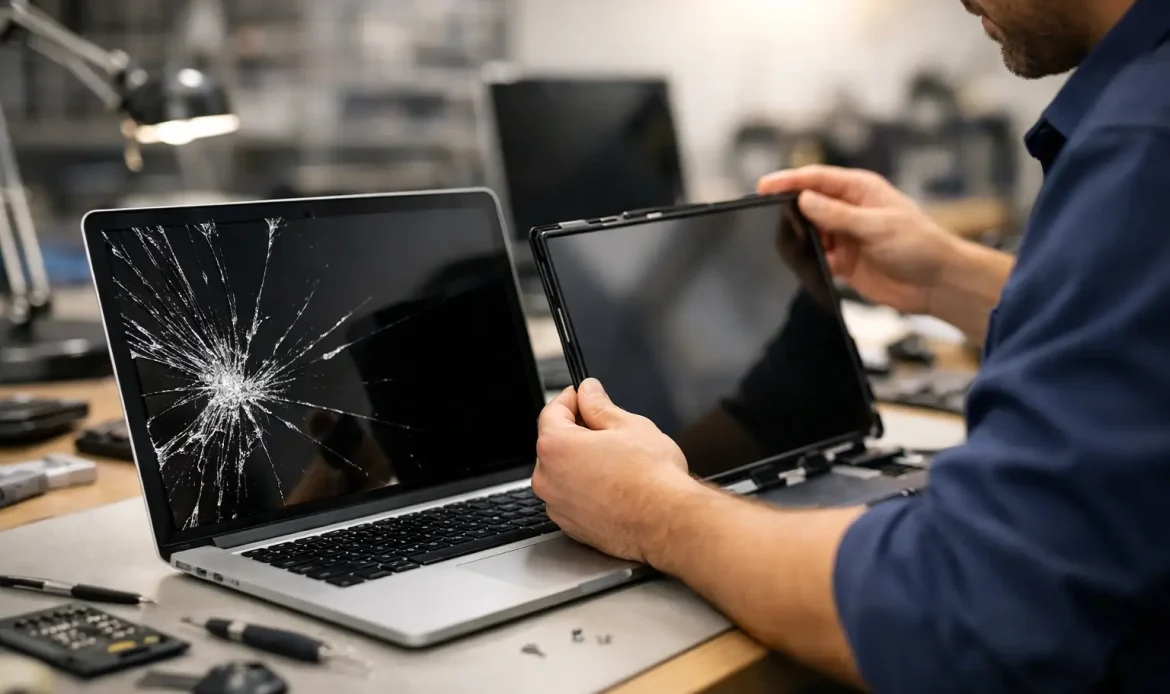
A cracked screen usually happens in a split second – the laptop slips off the couch, something gets shut in the lid, or pressure in a bag leaves a spiderweb of damage across the display. If you are searching for laptop screen repair Adelaide, the main thing you want to know is simple: can it be fixed properly, how long will it take, and is it worth the cost?
In most cases, a damaged laptop screen can be repaired. The bigger question is whether the problem is only the panel itself or whether there is more going on underneath. A black patch, coloured lines, flickering image or a screen that stays dark after a drop can all point to different faults. Some are straightforward screen replacements. Others involve hinges, cables or internal damage that needs a closer look.
Laptop screen repair Adelaide – what actually goes wrong?
Not every screen fault looks the same, and the visible symptom matters. A smashed outer layer with ink-like blotches or spreading cracks usually means the LCD panel is physically broken. That will not improve with software changes, driver updates or restarting the machine. The panel needs replacing.
If the display flickers when you move the lid, the problem may be the screen cable or hinge area rather than the panel itself. A dim screen can point to backlight issues. If the laptop powers on but shows nothing at all, it could still be a screen fault, but it might also involve the graphics system or motherboard. That is why a proper diagnosis matters before anyone quotes a repair.
This is also where people can get caught out by generic advice online. Two laptops can show a black screen for completely different reasons. One might need a replacement panel. Another might not be worth spending money on until the wider hardware is checked.
When a screen repair is worth doing
A screen replacement is often worthwhile if the laptop is otherwise running well, especially if it is a business machine or a decent home laptop with solid performance. If the battery is healthy, the keyboard is fine and the system still does what you need, replacing the display can be far more sensible than replacing the whole device.
It depends a bit on age and value. A newer Windows laptop with a broken screen is usually worth repairing. An older budget model with a failing battery, a slow hard drive and other wear may be a different story. In that case, honest advice matters. Sometimes the best outcome is a repair. Sometimes it is better to put that money towards a replacement machine or an upgrade path.
For small business users, the answer is often clearer. If the laptop holds business software, email access, saved files and your normal setup, repairing the screen can save time and disruption. Replacing a machine means reinstalling programs, reconfiguring accounts and moving data across. The repair cost is only part of the equation.
What affects the cost of laptop screen repair Adelaide?
The make and model of the laptop make a big difference, but so does the type of screen fitted. Some panels are standard and widely available. Others are higher resolution, touch-enabled or more specialised, which can push the price up.
The labour side can also vary. Some laptops are relatively straightforward to open and fit with a new panel. Others are tightly built, use adhesive, or require more disassembly around the bezel and lid. If there is also hinge damage or a bent lid, that adds complexity.
Another factor is whether the screen issue is the only fault. If the laptop took a hard knock, technicians may also need to inspect the casing, hinge mounts, internal cable and drive condition. A screen can be repaired, but if the frame is distorted or the lid no longer closes properly, that needs to be addressed too.
That is why the cheapest quote is not always the best quote. A proper repair should account for the actual fault, the correct compatible part and whether anything else has been damaged in the impact.
Repair or replace the laptop?
This is one of the most common questions, and there is no one-size-fits-all answer. If your laptop is only a couple of years old and still meets your needs, repairing the screen usually makes good sense. It gets you back to normal without the cost and hassle of setting up a new machine.
If the laptop is older and already having problems, the screen damage might be the point where replacement becomes more practical. For example, if the machine is slow, cannot handle Windows 11 comfortably or has storage issues, spending money on a screen alone may not be the smartest long-term move.
There is also the middle ground. Sometimes a customer expects they need a new laptop, but a screen replacement and a simple performance upgrade can extend the life of the system quite nicely. Other times, the screen repair is technically possible but poor value once all costs are added up. Straight answers are better than pushing a repair that does not make sense.
Why DIY screen replacement can go wrong
Online guides make laptop screen replacement look easier than it often is. On some models it is manageable, but there is a fair bit that can go wrong. Bezel clips break, cables tear, screws get mixed up and the wrong panel gets ordered. Even experienced users can run into trouble when the screen connector is delicate or the lid assembly is tighter than expected.
There is also the issue of misdiagnosis. If the real fault is not the panel, replacing the screen does not solve anything. You still end up with a non-working laptop and extra cost on top.
For many people, the safer option is having the machine checked and repaired properly the first time. That is especially true if the laptop contains important work files, family photos or software setups you do not want to risk.
What a proper repair process should look like
A good repair starts with confirming the fault, not guessing. The laptop should be tested to make sure the issue is actually the screen and not a related hardware problem. If replacement is the right fix, the correct panel should then be matched to the laptop model and display specifications.
Once fitted, the new screen should be tested for image quality, stability and proper fit. Hinges and lid movement should also be checked, because there is no point fitting a fresh panel into a casing that is putting stress back onto the display. If there are signs of impact damage around the corners or lid, that should be discussed clearly before the job goes ahead.
For local customers, convenience matters as much as the technical side. Southern Computer Services SA focuses on practical repairs and straightforward advice, which is exactly what most people want when their laptop suddenly becomes hard to use. Nobody wants a complicated explanation when the real question is, can this be fixed sensibly and without fuss?
Common signs you should book a screen repair
Some faults are obvious, like visible cracks or dark blotches. Others creep in more gradually. If your screen flashes, shows vertical or horizontal lines, has dead areas, changes brightness unexpectedly or cuts out when the lid moves, it is worth getting it checked before the fault worsens.
Even a small crack can spread. What starts as a thin line near the edge can become a large black patch over a few days, especially if the laptop is still being opened and closed regularly. The earlier the issue is assessed, the easier it is to decide whether repair is worthwhile.
For home users, the biggest concern is often whether the files are safe. In many cases, yes – screen damage does not automatically mean data loss. If the laptop still runs, your files may be intact even if the display is unreadable. For business users, that can be a relief. The screen may be broken, but the machine itself may still be recoverable.
Choosing a local repair service
When looking for laptop screen repair in Adelaide, it helps to find a service that is upfront about diagnosis, pricing and turnaround. You want someone who explains what has failed, what the repair involves and whether it is worth doing, in plain language.
Local support also matters when you are trying to get back online quickly. A nearby repairer who understands day-to-day Windows laptops and real customer needs is often more useful than a big retail chain with a long queue and vague timeframes. For people in the southern suburbs, being able to get responsive help without running all over town is a genuine advantage.
The best repair experience is not just about replacing a part. It is about confidence that the advice is honest, the work is done properly and you are not paying for guesswork.
A broken laptop screen is frustrating, but it does not always mean the end of the machine. Sometimes the right fix is a straightforward replacement. Sometimes the better answer is to put your money elsewhere. The useful next step is getting the laptop assessed properly so you can make that call with clear information, not crossed fingers.

