




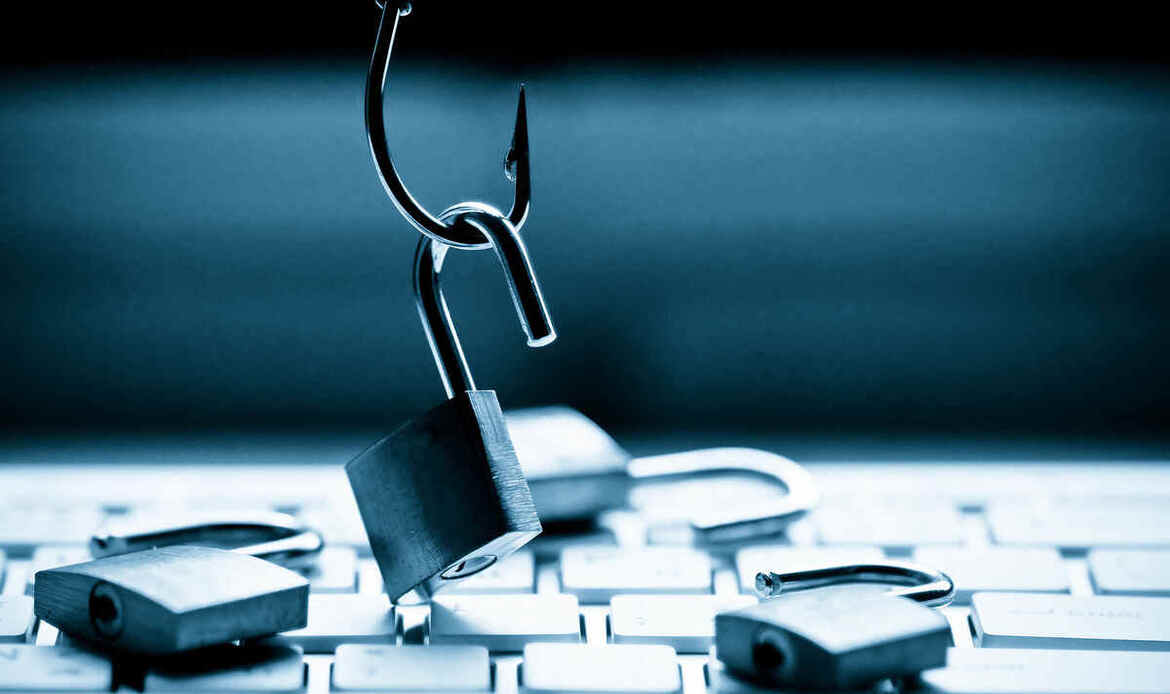
How To Spot a Phishing Attack
Phishing attacks are deceptive attempts by cybercriminals to obtain sensitive information by masquerading as trustworthy entities. These attacks can occur through various channels, including emails, text messages, phone calls, and even QR codes. Recognizing the signs of phishing is crucial to protect your personal and financial information.
Common Indicators of Phishing Attempts:
1. Generic Greetings: Legitimate organizations typically address you by your name. Be cautious of messages that use generic salutations like “Dear Customer” or “Dear User.”
2. Sense of Urgency: Phishing messages often create a sense of urgency, prompting immediate action to prevent negative consequences, such as account suspension or legal action.
3. Requests for Sensitive Information: Be wary of unsolicited requests for personal details, passwords, or financial information. Legitimate organizations rarely ask for such information via email or text.
4. Unexpected Attachments or Links: Avoid opening attachments or clicking on links from unknown or untrusted sources, as they may contain malware or lead to fraudulent websites.
5. Poor Spelling and Grammar: Many phishing attempts contain spelling errors or awkward grammar, which can be a red flag indicating a scam.
6. Suspicious URLs: Before clicking on a link, hover over it to preview the URL. Be cautious if the link directs you to an unfamiliar or misspelled website address.


Types of Phishing Attacks:
– Email Phishing: The most common form, where attackers send fraudulent emails that appear to come from reputable sources.
– Smishing: Phishing via SMS messages, often containing malicious links or prompts to call fraudulent numbers.
– Vishing: Voice phishing involves phone calls from scammers posing as legitimate entities to extract personal information.
– Quishing: Phishing using QR codes to direct victims to malicious websites.
Protective Measures:
– Verify Sender Information: Always check the sender’s email address or phone number to ensure it matches the official contact information of the organization.
– Use Multi-Factor Authentication (MFA): Enable MFA on your accounts to add an extra layer of security, making it harder for attackers to gain access even if they obtain your credentials.
– Keep Software Updated: Regularly update your device’s operating system and applications to protect against known vulnerabilities.
– Educate Yourself and Others: Stay informed about the latest phishing tactics and share this knowledge with friends and family to collectively enhance security awareness.
“Passwords are like underwear: don’t let people see it, change it often, and don’t share it with strangers.”
dailydigitalgrind.com
What to Do If You Suspect a Phishing Attempt:
1. Do Not Engage: Avoid responding to or clicking on any links or attachments in the suspicious message.
2. Report the Attempt: Notify the legitimate organization being impersonated and report the phishing attempt to relevant authorities or your IT department.
3. Monitor Your Accounts: Regularly check your financial and online accounts for unauthorized activity.
4. Change Compromised Credentials: If you suspect that your information has been compromised, change your passwords immediately and consider enabling additional security measures.
By staying vigilant and recognizing the signs of phishing, you can significantly reduce the risk of falling victim to these deceptive schemes.
–Happy Computing!

