




Now is the Time to Upgrade to Windows 11
Microsoft has announced that, starting October 14, 2025, Windows 10 will no longer receive updates or security patches (see support.microsoft.com ). This underscores the importance of upgrading to Windows 11 promptly. As cyber threats continue to evolve, it’s crucial that our software and hardware keep pace to avoid becoming targets for the ever-growing number of cyber adversaries.
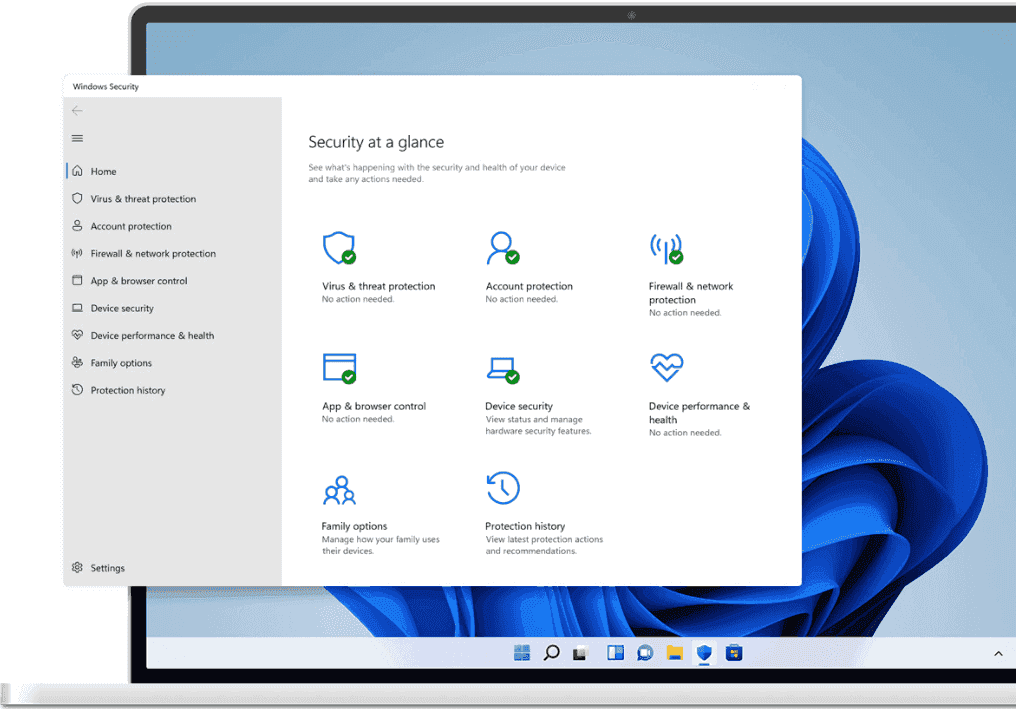
Built with security at its core, Windows 11 is Microsoft’s most secure operating system yet. It ships with TPM 2.0–based hardware protection, stronger authentication options, and virtualization-based security enabled out of the box. Windows 11 also features built-in phishing safeguards, adding an extra shield against credential theft, malware installation, and other persistent attacks. Windows 11 PCs are more secure, with a reported 62% drop in security incidents and 3x reported reduction in firmware attacks.
Here are some more compelling reasons to make the switch:
1. Enhanced User Interface
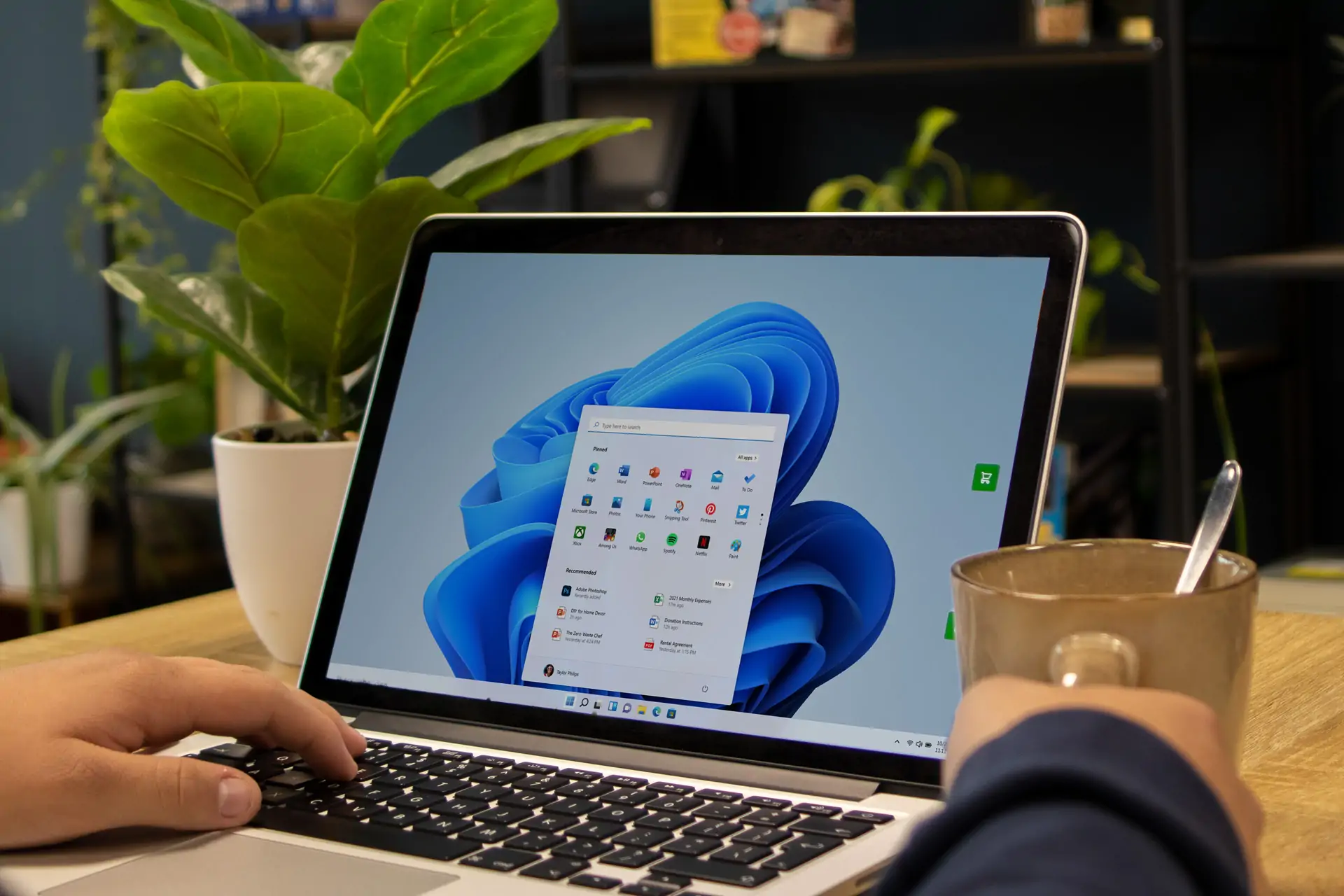
Windows 11 introduces a fresh, modern design with a centered Start menu and taskbar, rounded corners, and new icons, providing a more streamlined and aesthetically pleasing experience.
2. Improved Performance and Efficiency
The operating system is optimized for speed and efficiency, leading to faster boot times and smoother overall performance. Better resource management also contributes to improved battery life for laptops.
3. Advanced Gaming Features
For gamers, Windows 11 is a game-changer. It includes advanced gaming features like DirectStorage, which reduces load times, and Auto HDR, which enhances graphics, providing a more immersive gaming experience.
Security
4. Enhanced Security Measures
Security is a top priority in Windows 11. As mentioned earlier, the operating system includes robust security measures such as TPM 2.0 and Secure Boot, which help protect your data from threats. Regular updates ensure that your system remains secure, giving you peace of mind when using your PC.
5. Improved Multitasking with Snap Layouts
Multitasking is made easier with Windows 11’s Snap Layouts. This feature allows you to organize multiple windows on your screen effortlessly, making it easier to manage and switch between tasks.
6. Integration with Microsoft Teams
Staying connected is easier with Windows 11’s integration of Microsoft Teams. You can chat, call, and collaborate with colleagues and friends directly from your desktop, enhancing productivity and communication.
7. Support for Android Apps
Windows 11 expands your app ecosystem by allowing you to run Android apps directly on your PC, enhancing your productivity and entertainment options.
“Security should be built in, not bolt-on.”
Popular quote by CyberSecurity Professionals
8. Future-Proofing Your System
Upgrading to Windows 11 ensures that your system is ready for future updates and innovations, keeping you ahead in technology advancements.
By upgrading to Windows 11, you can take advantage of these cutting-edge features and ensure that your system is equipped with the latest technology.
–Happy Computing!

