




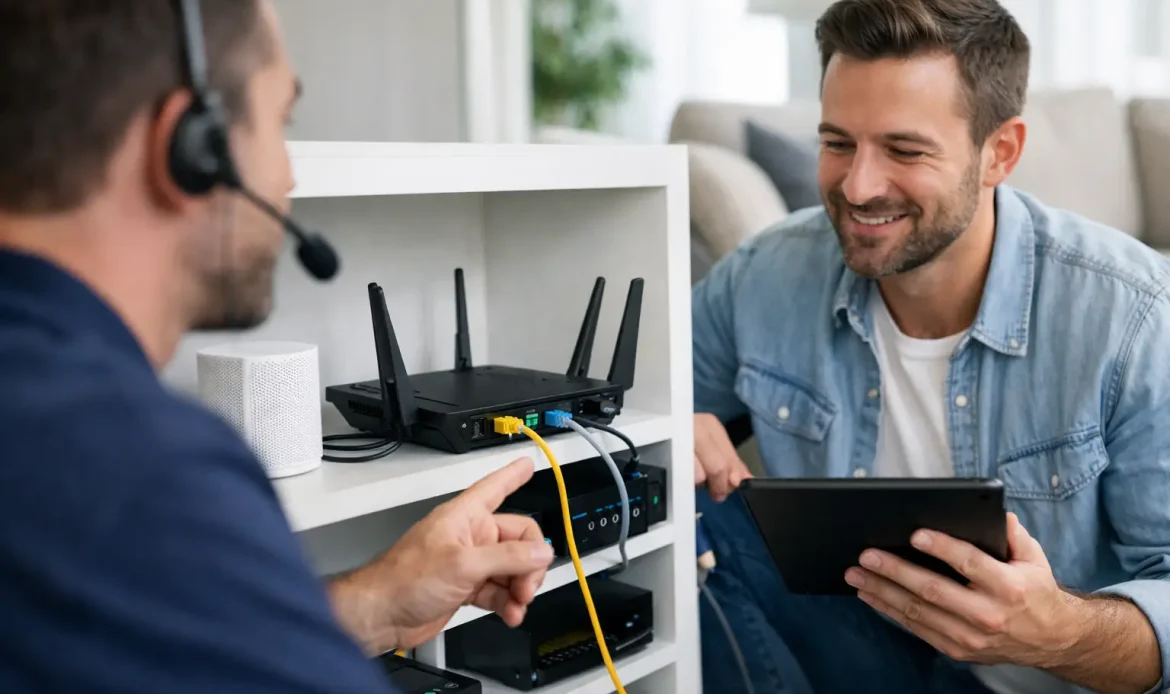
When the Wi-Fi drops out in the back bedroom, the printer vanishes from the network, or the smart TV buffers right when everyone sits down to watch something, home network setup support stops being a nice extra and becomes the thing you need sorted properly. Most home networks work well enough until a new device, a provider change, or a weak signal exposes the shortcuts in the original setup.
For a lot of Adelaide households and small home offices, the problem is not one single fault. It is a mix of modem settings, router placement, old hardware, poor Wi-Fi coverage and devices that were never configured with the whole house in mind. That is why a proper network setup is less about gadgets and more about making everyday internet use reliable.
What home network setup support usually fixes
People often call for help thinking the issue is “the internet”, when the actual problem sits somewhere inside the home network. Sometimes the NBN or provider connection is fine, but the router is in the wrong spot. Other times the Wi-Fi signal is strong, yet devices still struggle because the network is overloaded, the settings are wrong, or an older modem is letting the whole setup down.
Home network setup support usually covers the practical things that affect day-to-day use. That can include setting up a new modem router, reconnecting devices after an internet provider change, improving Wi-Fi range, getting a printer visible on the network again, or separating work devices from general household traffic. In smaller business settings run from home, it can also mean making sure a desktop, laptop, email setup and internet connection all work together without random dropouts.
The reason this matters is simple. A network does not need to be fancy. It needs to be stable, secure and suitable for the way the household actually uses it.
Why DIY setups often work – until they don’t
Plenty of people can plug in a modem, follow the quick-start guide and get online. There is nothing wrong with that. The trouble starts when the standard setup does not match the layout of the home, the number of users, or the type of devices being connected.
A router placed near the front of the house because that is where the wall socket lives might leave the back rooms with poor signal. A family using video streaming, online gaming, work video calls and wireless security devices at the same time will put very different pressure on a network than someone checking email once a day. The basic setup might still function, but not particularly well.
There is also the security side. Default passwords, outdated firmware and open guest access can leave a home network more exposed than it should be. Most people are not trying to build an enterprise system at home, and they should not have to. But they do want a setup that is safe, sensible and not likely to create headaches later.
The signs your network needs attention
Some faults are obvious, like no internet at all. Others creep in slowly. If the connection is fine in one room but poor in another, that points to Wi-Fi coverage rather than a total service failure. If the internet works on some devices but not others, the problem may be with local settings, IP conflicts, saved passwords or device compatibility.
It is also common to see homes where the network has grown in bits and pieces over time. A new smart TV here, a wireless printer there, a range extender added years ago, then a laptop for working from home. Eventually the setup becomes harder to troubleshoot because nobody is fully sure how it was configured in the first place.
If you are rebooting the modem every few days, relying on mobile data in parts of the house, or constantly reconnecting devices, that is usually a sign the network needs more than a quick reset.
What good home network setup support looks like
Good support should start with how you use the network, not with a sales pitch for more equipment. A one-bedroom unit, a double-storey family home and a home office in a converted garage all need different solutions. There is no single router that magically fixes every situation.
A practical technician will usually look at where the modem is located, how far the signal needs to travel, what devices are connected, and whether Wi-Fi alone is enough. In some homes, careful router placement and proper setup are enough. In others, a mesh system or extra access point may be the better option. Sometimes the issue is not coverage at all, but interference from neighbouring networks or outdated hardware that cannot keep up.
This is where experienced, hands-on support makes a difference. Rather than guessing which box to buy, you get advice based on the actual building, the real devices in use and the everyday problems you are trying to solve.
Home network setup support for work-from-home and small business use
The network demands in a home office are usually higher than people expect. A basic internet connection might be enough for web browsing, but if you rely on cloud software, remote access, email, video meetings and shared printers, even minor instability becomes disruptive.
For small business operators working from home, reliability matters just as much as speed. A fast plan is no help if the Wi-Fi cuts out during a client call or if the main desktop keeps losing connection to the printer. In these cases, support often involves more than just internet access. It can include connecting desktops and laptops properly, checking local network settings, improving signal where work is actually done, and making sure the setup is secure.
There is a trade-off here. The cheapest option is not always the best long-term option, but the most expensive gear is not automatically necessary either. A sensible setup balances cost, coverage and reliability.
When equipment is the problem
Not every network issue can be fixed with settings alone. Older modem routers can struggle under modern loads, especially in homes with lots of connected devices. Budget extenders can also create more frustration than they solve if they are poorly configured or simply not suited to the space.
That does not mean you should replace everything the moment you have a dropout. It does mean the hardware should be assessed honestly. If the equipment is outdated, unstable or no longer supported properly, replacing the right part can save a lot of wasted time.
The key is to avoid random upgrades. Buying a stronger router without understanding the real problem can leave you with the same dead spots and the same complaints, just at a higher cost.
Why local support is often the easiest fix
Network issues are frustrating because they affect so many parts of daily life at once. Streaming, work, printing, study, gaming and general browsing all depend on the same setup. When it goes wrong, people want practical help, not vague advice from a call centre script.
That is where local service has real value. A technician who can come on-site, see the layout of the property and test the network in the rooms where the problems happen can usually get to the answer much faster. For homes and small businesses in southern Adelaide, that often means less trial and error and a clearer idea of whether the solution is a settings change, better placement, added coverage or replacement hardware.
Southern Computer Services SA takes that practical approach – looking at what is happening in the home, explaining the issue clearly, and fixing what is needed without making it more complicated than it has to be.
Getting the setup right from the start
If you are moving house, changing internet providers, setting up a home office or adding more connected devices, it is worth treating the network as something to set up properly rather than something to patch later. A little planning at the start can prevent weak coverage, awkward device issues and ongoing performance problems.
That does not mean overbuilding. It means making sensible decisions about placement, security, device connections and coverage before the network turns into a pile of workarounds. For some homes that will be a simple, tidy setup. For others, especially larger homes or mixed home-business use, it may need a bit more structure.
A reliable network should fade into the background. You should not have to think about it every day. If your current setup keeps demanding attention, that is usually a sign it is time for proper help, not another guess.
The best home network setup support leaves you with something refreshingly simple – internet that works where you need it, devices that stay connected, and fewer tech problems following you around the house.

