




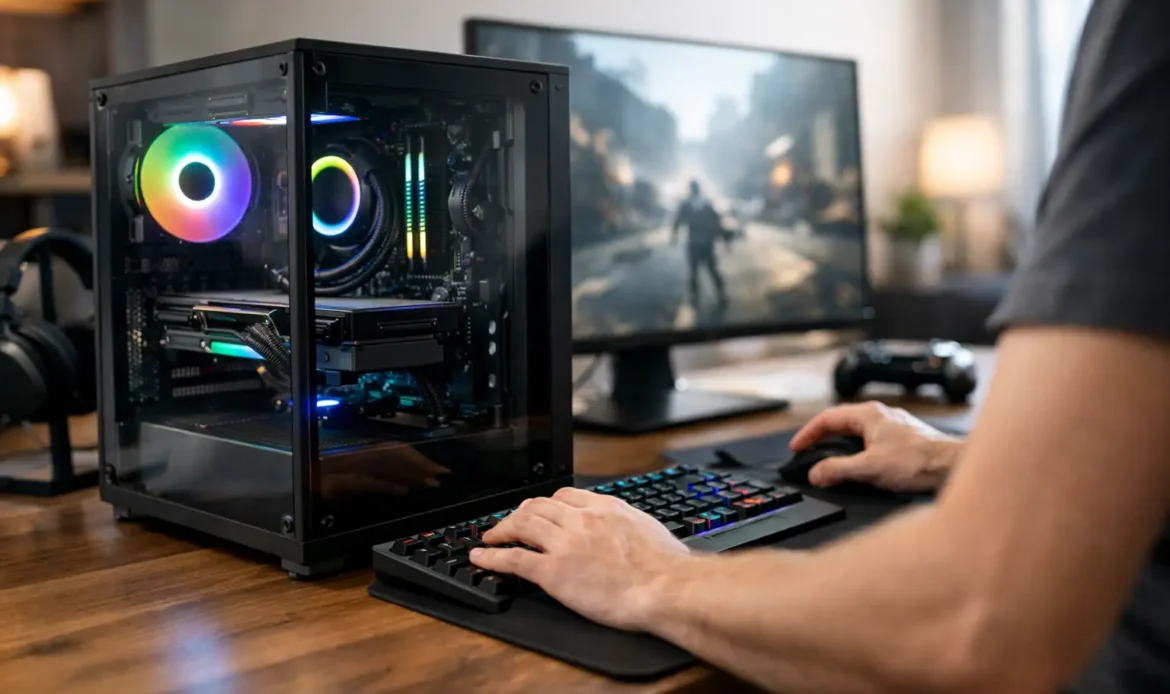
A gaming PC should not be a mystery box that arrives with flashy lights, a long list of parts and no clear answer when something goes wrong. A custom built gaming PC Adelaide players can rely on starts with a simple question: what do you actually want to play, and how do you want it to feel?
For some people, that means smooth performance in competitive online games. For others, it means enjoying big single-player titles at higher settings, streaming to friends, or using the same computer for study, work and creative projects. The right PC is not necessarily the most expensive one. It is the one with balanced parts, sensible upgrade options and local help available if you need it.
Why a custom build makes sense
Pre-built gaming PCs can look like an easy option, and sometimes they are. They can suit someone who needs a computer immediately and is happy with the exact configuration on offer. The trade-off is that some systems save money in places that are hard to spot at first, such as the power supply, cooling, motherboard or amount of storage.
Those components matter. A good graphics card may get most of the attention, but it needs a suitable processor, enough memory, reliable power and airflow to perform properly over time. If one part is poorly matched to the rest, you can end up paying for performance you never quite receive.
A custom build gives you more control over where the budget goes. Rather than paying extra for features you will not use, you can prioritise the things that affect your experience: frame rate, image quality, quiet operation, fast loading times or room to upgrade later.
It also makes practical sense for households where one desktop needs to do more than gaming. A well-planned machine can handle everyday tasks, video calls, schoolwork and photo editing without feeling sluggish, then switch to gaming when the day is done.
Choosing the right custom built gaming PC in Adelaide
The best build is based on your games, display and budget, not a generic parts list. A system intended for lighter games at standard high-definition resolution has very different requirements from one designed to run demanding titles at a high refresh rate or ultra-wide resolution.
Start with the screen you already own, or the screen you intend to buy. There is little value in spending heavily on graphics performance that your display cannot show. On the other hand, a powerful new monitor paired with an older or entry-level graphics card can leave you disappointed. Matching the PC to the display helps keep the whole setup sensible.
Your preferred games also matter. Fast-paced competitive games often benefit from high, consistent frame rates. Story-driven games may place more demand on graphics detail and visual effects. Simulation, strategy and heavily modded games can place extra pressure on the processor and memory. There is no single gaming PC specification that suits every player.
A useful discussion before a build should cover:
- the games you play now and the ones you expect to play next
- whether you use a standard, high-refresh-rate or ultra-wide monitor
- whether the PC will also be used for work, study, streaming or creative tasks
- your realistic budget, including any monitor, keyboard, mouse or Wi-Fi needs
That information makes it easier to choose parts for a reason instead of chasing whichever component is getting the most attention online.
Balance matters more than one headline part
It is tempting to put the largest possible share of the budget into a graphics card. Graphics performance is central to gaming, but a build still needs a processor that can keep up, sufficient memory for modern games and background programs, and fast storage for the operating system and games.
Storage is a common example. A small solid-state drive might keep the initial price down, but modern games can consume space quickly. A larger drive can make day-to-day use far less frustrating, especially if several people use the computer. Likewise, adequate cooling is not just about appearance. It can help the PC remain stable and quieter when it is working hard.
The power supply is another component worth choosing carefully. It is not exciting, but it supports every other part in the system. Selecting a quality unit with appropriate capacity can protect the investment and leave room for a future upgrade.
Plan for upgrades without overspending now
Technology changes quickly, but that does not mean you need to buy the highest specification available. A sensible custom PC should offer a clear upgrade path where it matters, such as adding storage, increasing memory or replacing the graphics card later.
That said, future-proofing has limits. Paying a large premium today for capacity you may never use is not always wise. It depends on your budget and how long you expect to keep the system. Honest advice should explain that trade-off clearly rather than push you towards the most expensive option.
The parts people often overlook
Gaming performance is only part of owning a desktop PC. The everyday details can make the difference between a computer you enjoy using and one that becomes a nuisance.
A suitable case, for example, should have decent airflow and enough space to work in when upgrades or repairs are needed. It does not need to dominate the room with lighting if you would rather have a quiet, understated setup. Good cable management also helps airflow and makes future work easier.
Networking is worth considering before the build is complete. If the computer will be in a bedroom, study or games room far from the modem, ask whether wired networking is practical. A cable connection is often the most reliable option for online gaming. Where that is not possible, the quality and placement of your Wi-Fi equipment can have a bigger effect on connection stability than the PC itself.
Windows setup, updates, drivers and security should be handled properly from the beginning. A fast new PC can still feel frustrating if it is cluttered with unnecessary software, missing updates or suffering from connection problems. Having the system set up cleanly gives you a better starting point.
Local support after the build matters
Buying components is only one part of the process. If a PC will not start, a game crashes, the internet drops out or an upgrade is needed later, it helps to speak with someone who can look at the whole system rather than simply point to a manufacturer’s support page.
That local support is especially useful for people who are confident enough to know what they want from a gaming PC, but do not want to spend a weekend troubleshooting a hardware issue. It is also reassuring for parents buying a first gaming desktop for a teenager, or for anyone moving from an ageing computer that has become too slow for current games.
Southern Computer Services SA provides custom desktop builds alongside practical computer repairs and support across southern Adelaide. That means help can continue after the initial build, whether you need a storage upgrade, a Windows issue sorted out, Wi-Fi advice or a diagnosis when something does not seem right.
A locally built PC also avoids the awkwardness of packing up a large desktop and sending it away when you need assistance. Depending on the issue, support may be available on-site, remotely or through convenient pickup and return arrangements. The aim is straightforward: get the computer working properly without making the process harder than it needs to be.
A better way to set a gaming PC budget
Before choosing parts, decide on a comfortable total budget and be clear about what is included. If you already have a good monitor and peripherals, more of the budget can go into the desktop itself. If you are starting from scratch, remember to allow for the full setup rather than spending every dollar on the tower.
It is usually better to build a balanced system at a realistic price than to stretch the budget for one premium component and compromise on everything around it. The same applies to cosmetic extras. Lighting, glass panels and themed accessories can be great if you enjoy them, but they should not come at the cost of cooling, storage or reliable components.
Be honest about your timeline too. If your current computer is failing, a repair or targeted upgrade may bridge the gap while you plan the right new build. In other cases, an older desktop may have reached the point where investing further does not offer good value. A practical assessment can help you decide which path makes more sense.
A custom gaming PC should feel like it was chosen for your home, your games and your budget, not assembled from a one-size-fits-all checklist. Start with how you use your computer, ask questions about the parts that matter, and choose a build you will still be happy to switch on long after the new-PC excitement has worn off.

