




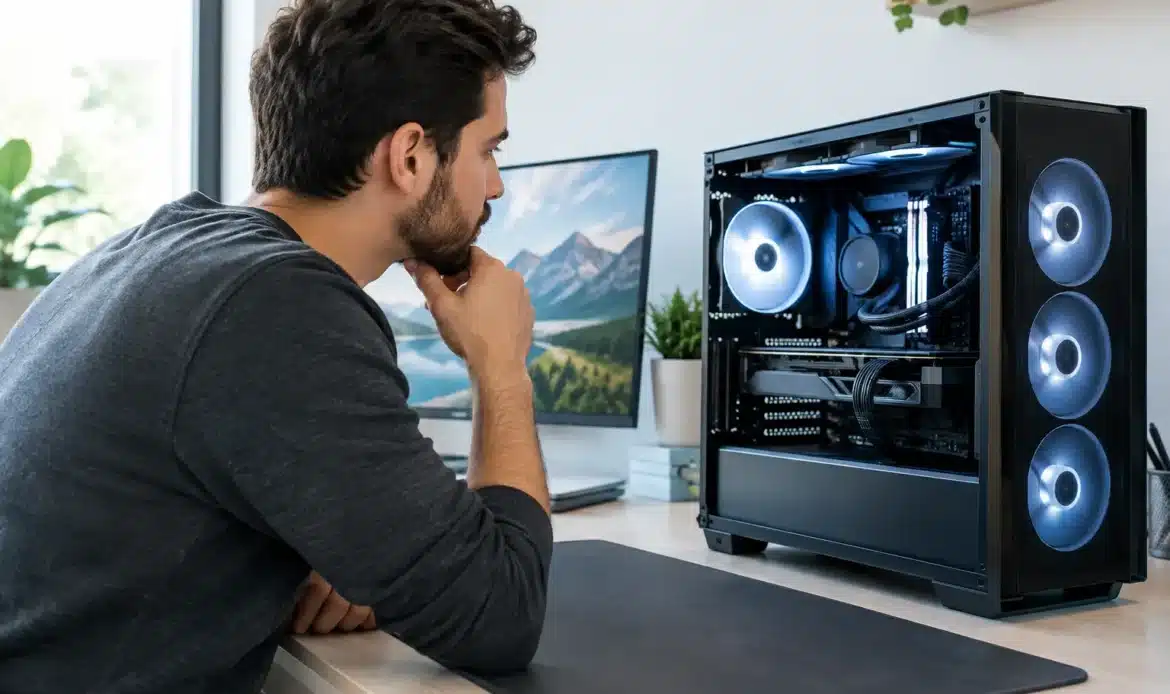
A guide to choosing a custom PC should start with what you actually do on the computer, not with the most expensive parts on the shelf. A system that feels quick and dependable for your work, games or home use is a better investment than one packed with features you will never use.
A custom-built desktop gives you more choice than an off-the-shelf machine. You can prioritise the parts that matter, avoid paying for unnecessary extras, and leave room for sensible upgrades later. The key is matching the build to your needs and budget without getting lost in technical jargon.
Start with the job your PC needs to do
The best custom PC for a family home will look very different from a machine built for graphic design, accounting software or modern gaming. Before comparing processors and graphics cards, think about the programs you use now and what you may need over the next few years.
For everyday home use, such as web browsing, email, online banking, schoolwork, video calls and streaming, the focus should be on a responsive processor, enough memory and a fast solid-state drive. You do not need a high-end gaming graphics card for these tasks, but you do want a system that starts quickly and does not bog down when several browser tabs are open.
Small business users often benefit from a little more headroom. If you regularly run accounting software, large spreadsheets, cloud storage, email and multiple screens at once, extra memory and reliable storage can make the workday noticeably easier. Reliability, backup planning and a suitable Windows version may be more valuable than flashy performance specifications.
Gaming and creative work usually require more planning. Modern games, video editing, photo work, 3D design and music production can place heavy demands on the processor, graphics card, memory and storage. In these cases, the right balance between components matters far more than choosing one premium part and cutting corners everywhere else.
Guide to choosing custom PC components
A custom PC is only as well balanced as its parts. It can be tempting to focus on the processor or graphics card because they are the names most people recognise, but every major component affects how the computer feels to use.
Processor and memory
The processor is the main working engine of the computer. For basic use, a current mid-range processor is generally more than capable. For demanding creative programs, serious multitasking or high-frame-rate gaming, a faster processor with more cores can be worthwhile.
Memory, also called RAM, affects how comfortably your PC handles several jobs at once. For many home computers, 16GB is a sensible starting point. Users working with large files, virtual machines, video editing or demanding design software may be better served by 32GB or more. Buying enough memory from the start can prevent an otherwise good PC from feeling slow under load.
Storage that keeps the PC responsive
A solid-state drive, often called an SSD, is one of the most noticeable upgrades in any new computer. It helps Windows start faster, opens programs promptly and makes everyday use feel less frustrating.
For most people, a 1TB SSD offers a practical amount of room for programs, documents, photos and games. If you keep a large photo collection, work with video files or install many games, you may need more capacity or a second drive. Storage is an area where planning ahead helps, especially if your current computer is already close to full.
It is also worth separating storage from backup. A second drive inside the PC can be useful, but it is not a complete backup if the computer is stolen, damaged or affected by a serious fault. Important files should have a separate backup plan.
Graphics card: only pay for the performance you need
A dedicated graphics card is essential for many gaming PCs and can significantly help with creative applications that use graphics acceleration. It is not automatically necessary for office work, browsing, email or general household tasks.
For gaming, choose the graphics card around the monitor you intend to use. A computer connected to a standard full HD screen needs less graphics power than one driving a high-resolution display at a high refresh rate. Spending beyond what your monitor can show may not deliver a noticeable benefit.
For creative work, check the requirements of the software you use. Some programs benefit strongly from a capable graphics card, while others rely more heavily on the processor and memory. This is one of those cases where a quick conversation about your actual workflow can save money and disappointment.
Power supply, cooling and case quality
These parts are less exciting, but they are central to a dependable build. A quality power supply provides stable power and leaves suitable capacity for the installed components. Very cheap units are not where you want to make savings.
Cooling should suit the amount of heat the system will produce. A general-use desktop may only need straightforward, quiet air cooling. A powerful gaming or creative workstation may need a better case airflow arrangement and higher-performance cooling to stay comfortable during long sessions.
The case also affects noise, dust build-up, future upgrades and access for servicing. A well-chosen case makes the system easier to maintain and can keep it quieter in a home office or living area.
Set a realistic budget with room for the essentials
A clear budget is useful, but avoid putting every dollar into the tower itself. You may also need a monitor, keyboard, mouse, webcam, printer setup, software, backup storage or a Wi-Fi upgrade. If you are replacing an older PC, factor in transferring documents, email settings and other important data.
It often makes sense to spend slightly more on the core parts that are difficult to replace later, such as the processor, motherboard and power supply. Memory and storage can sometimes be upgraded more easily, provided the system is designed with spare slots and connections.
Be cautious of a build that looks cheap because it uses older or poorly matched parts. A lower upfront price can become costly if the machine is noisy, limited, unreliable or unable to run the software you need. Good value is not the same as the lowest price.
Think about the monitor and your workspace
Your monitor has a major effect on day-to-day comfort. A larger screen can make spreadsheets, emails and multiple windows easier to manage, while a quality display is especially useful for photo editing or design work. For gaming, refresh rate and response time may matter as much as screen size.
Check where the desktop will sit, too. Measure the available space, allow room for ventilation and consider how cables will reach your monitor, printer and network equipment. If Wi-Fi reception is poor in the room, a wired network connection or suitable wireless solution may be more helpful than simply buying a more powerful PC.
Choose support, not just a list of parts
One advantage of a custom-built computer is having someone who can explain the choices in plain language and support the machine after it is set up. You should know what parts are being used, why they suit your needs and what can be upgraded later.
Ask whether Windows will be installed and activated, whether your files can be transferred, and how the PC will be tested before you receive it. It is also sensible to ask about warranties for individual components and who to contact if something is not working as expected.
For customers across southern Adelaide, Southern Computer Services SA can help turn a rough wish list into a practical desktop that suits the way you work, play or run your household. That includes advice before the build, setup help and ongoing local support when needed.
The right custom PC should quietly make your day easier. Choose the system that fits your real workload, leaves sensible room for tomorrow and comes with help you can rely on if technology decides to misbehave.

