




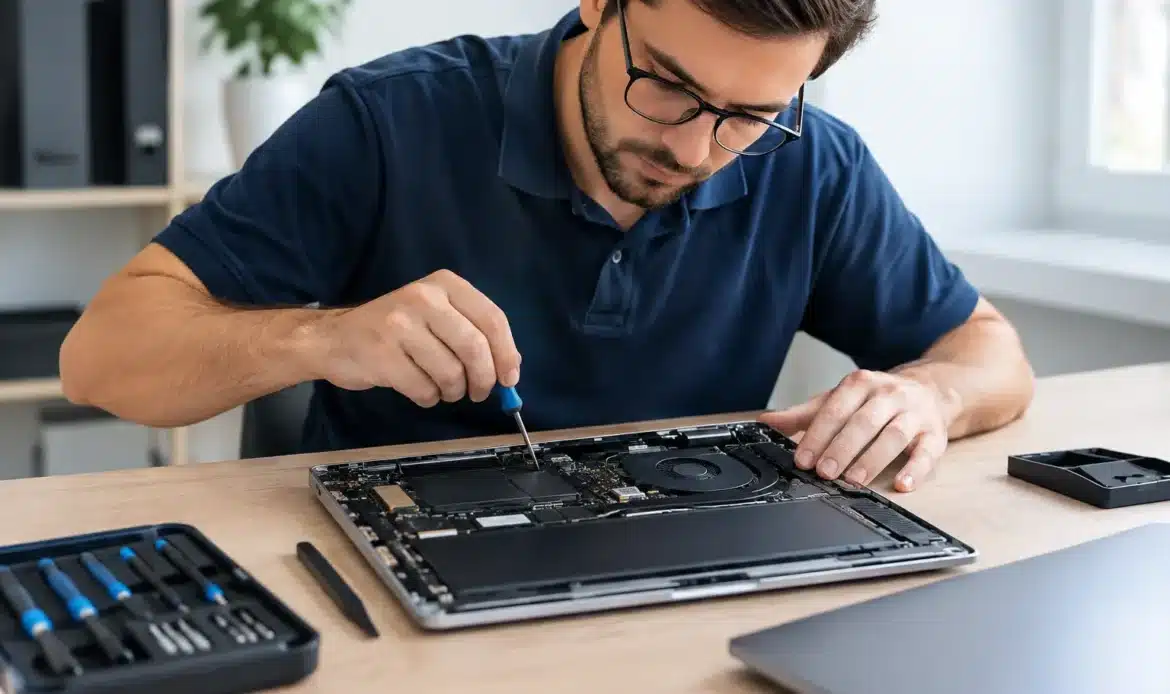
A laptop that will not start before work, a desktop crawling through simple tasks, or email that suddenly refuses to send can make computer repair costs feel like the least predictable part of the problem. The good news is that most repairs fall into a few clear categories. Once the fault has been properly diagnosed, you should be able to understand what you are paying for, what options you have, and whether spending money on the device is worthwhile.
For home users and small businesses, the best repair is not always the cheapest upfront fix. It is the option that restores reliable day-to-day use without throwing good money at ageing hardware or leaving the original issue half resolved.
What affects computer repair costs?
The price of a computer repair usually comes down to diagnosis time, labour, replacement parts and the amount of recovery work involved. A straightforward software fault can often be resolved within an hour. A computer with failing storage, malware, damaged Windows files and important photos that need recovering is a different job altogether.
A clear quote should separate labour from parts where practical. It should also explain whether the quoted work is a likely fix or whether further investigation is needed. If a technician cannot be certain until the computer is opened or tested, that is not automatically a warning sign. What matters is being told before extra work goes ahead.
The type of fault
Software faults are often less expensive than hardware replacements, though they can still take time. Examples include a slow Windows computer, pop-ups and spyware, browser problems, email errors, printer connection issues or Wi-Fi that drops out. These problems may be fixed by removing unwanted software, correcting settings, repairing Windows components or updating drivers.
Hardware faults can cost more because parts must be supplied and fitted. A failed hard drive or solid-state drive, worn battery, faulty power supply, damaged screen or overheating fan all have different part prices and installation time. Availability also matters. Common desktop components are generally easier and more affordable to source than specialised parts for an older laptop.
Whether your data needs saving
Data recovery can be the deciding factor in both cost and urgency. If a computer will not boot but its drive is still healthy enough to read, copying documents, photos, accounting files or email data may be relatively straightforward. If the drive is physically failing, recovery becomes more time-consuming and less predictable.
A repairer should be upfront that not all data can be recovered, especially after a serious drive failure. That does not mean there is no hope, but it does mean the work needs careful assessment before promises are made. Regular backups are far less costly than an emergency recovery and give you more choices if a device fails.
The age and condition of the computer
A five-year-old computer with enough memory and a healthy processor may become noticeably faster with a solid-state drive, a memory upgrade and a proper clean-up. That can be good value, particularly if the screen, keyboard, battery and other components are in reasonable condition.
An older machine with several faults is a different calculation. If it needs a new drive, battery, charger and operating system work, the total can approach the value of a newer replacement. In that situation, paying for a diagnosis and data transfer may be smarter than paying for repeated repairs. Honest advice should include both options, even when replacement is not the preferred outcome.
Typical computer repair costs by job
There is no single price that covers every repair, but knowing the usual job types helps set realistic expectations. Labour-only jobs are normally the most predictable, while repairs involving parts or data recovery need a tailored estimate.
For example, Southern Computer Services SA offers up-front on-site support at $139 for up to one hour, seven days a week, with no call-out fee. This suits many common issues such as internet troubleshooting, email setup, printer problems, basic virus removal, new computer setup and Windows assistance. More involved work, such as a Windows reinstall, backups or insurance assessments, may be charged at a fixed rate, while replacement parts are quoted separately.
A Windows reinstall is often required when the system is badly corrupted, heavily infected or too unstable to repair reliably. The labour cost is only part of the picture. You may also need a backup of personal files, installation of essential programs, updates and a check that printers, email and internet access are working afterwards. Asking what is included avoids an unpleasant surprise and helps ensure the computer is usable when the job is finished.
Virus and spyware removal varies widely. A mild infection may be cleaned up quickly. A machine with persistent pop-ups, unknown browser extensions, compromised passwords or suspicious remote-access software may need deeper work and a safer rebuild. In more serious cases, changing passwords from a known-safe device is just as important as cleaning the computer.
Hardware upgrades and replacements depend heavily on the make, model and part required. Adding memory or replacing a storage drive can deliver excellent value. Screen repairs, motherboard faults and liquid damage can be less economical, especially on older laptops. A good technician will test the machine first rather than guessing and ordering parts unnecessarily.
When a repair is worth paying for
The right question is not simply, “How much will it cost?” It is, “What will this repair give me?” If a modest repair gives you another two or three reliable years, it may be a sensible investment. If it only gets a struggling computer through the next few months, a replacement may make more sense.
Consider how the computer is used. A family computer mainly used for browsing, schoolwork and banking does not need the same performance as a workstation running business software, large spreadsheets or creative applications. Small businesses also need to weigh the cost of downtime. A quick repair that gets staff working again can be worth more than the part price alone.
Windows 11 compatibility is another factor. If an older computer cannot reasonably move to a supported version of Windows, spending heavily on repairs may not be the best long-term plan. Sometimes an upgrade is possible. Sometimes a new or custom-built desktop will be better value and more dependable for the work you need it to do.
How to avoid surprise repair bills
You do not need to understand computer hardware to make a good repair decision. You do need clear information before authorising work. Explain the symptoms, when they started and anything that changed just before the issue appeared, such as a power outage, software installation or accidental drop. This can reduce diagnosis time and prevent the technician chasing the wrong cause.
Before work begins, ask whether the initial fee includes diagnosis, whether parts are additional, and whether you will be contacted for approval if the cost rises. Also ask about your data. If files are important, say so immediately. Do not keep restarting a computer that is making clicking noises, freezing during startup or reporting drive errors, as this can make a failing drive worse.
It also helps to be realistic about cheap repairs. A very low quote may cover only a quick patch, not the time needed to test the device, remove the cause of the problem and confirm it remains stable. The goal is not to pay for unnecessary work. It is to pay once for a solution that is properly explained.
Repair, upgrade or replace?
For many southern Adelaide households, the most cost-effective choice is an upgrade rather than a replacement. A desktop with a new solid-state drive and more memory can feel completely different in everyday use. A laptop that still performs well may only need a new battery or charger. These are practical repairs when the rest of the device is sound.
Replacement becomes more attractive when faults are stacking up, performance is well below your needs, or the device cannot support current software safely. If you do replace it, arranging a data transfer and setup can make the change far less stressful. Your documents, photos, email access, printer and Wi-Fi should not become a weekend project unless you want them to be.
The fairest computer repair cost is one you understand before the work goes ahead. A local technician who explains the fault in plain language, gives you approval points and tells you when not to spend more can turn a frustrating breakdown into a straightforward decision.

