




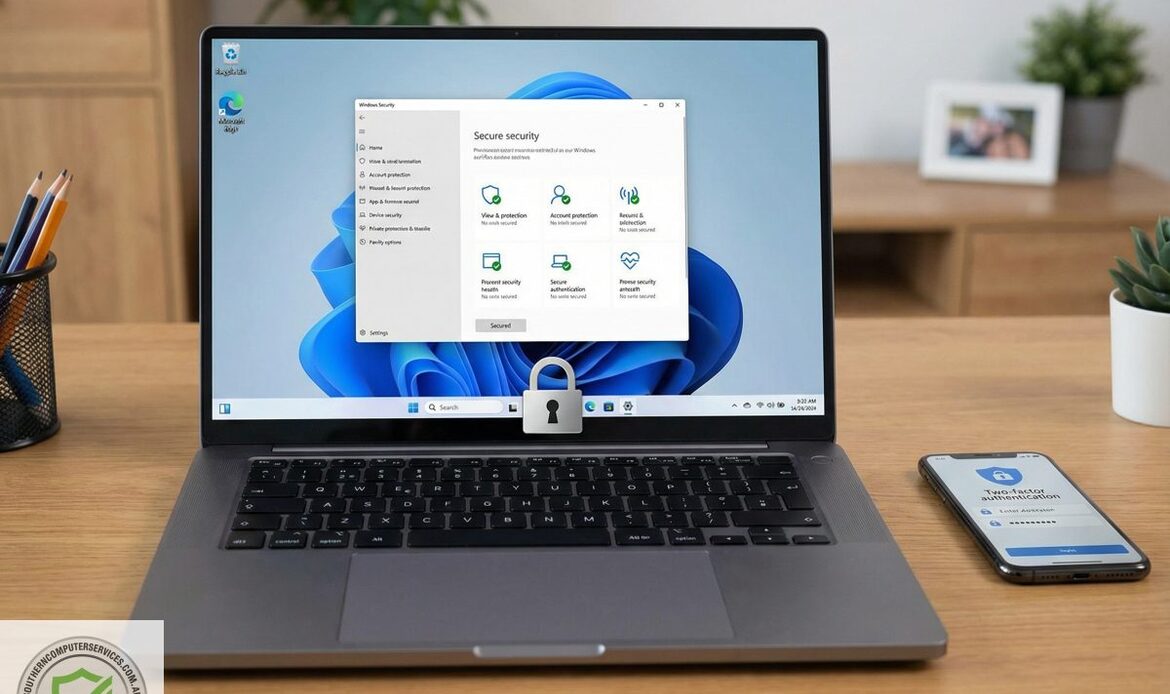
Windows 10 is an Ever Growing Security Risk – And How Windows 11 Protects You
A guide for South Australian home users and small businesses by Southern Computer Services SA
Introduction
Windows 10 served as Microsoft’s flagship operating system for nearly a decade after its 2015 debut, earning a reputation for stability and broad hardware compatibility. Yet the digital landscape evolves quickly, and so do the tactics of cyber-criminals. With Microsoft’s official support lifecycle concluded on 14 October 2025, Windows 10 no longer receives routine security patches, feature updates, or proactive vulnerability research from the company.
This sunset date effectively marks the beginning of an arms race in which threat actors have intensified their efforts to uncover weaknesses that remain uncorrected. Because the code base is now considered legacy software, any newly revealed flaw—whether in the kernel, the networking stack, or bundled system components—won’t be fixed for Windows 10 users. In underground forums and dark-web marketplaces, proof-of-concept exploits and fully weaponised attack kits can fetch substantial sums, especially if they offer attackers reliable privilege escalation or remote-code execution capabilities.
Businesses and home users who continue to rely on Windows 10 face a growing risk profile. Without timely patches, the burden of defense shifts almost entirely onto endpoint protection tools, network-level controls, and rigorous security hygiene. Organisations should have already migrated to supported operating systems, invested in extended security updates where available, or sandboxed legacy machines to mitigate exposure. In short, while Windows 10’s legacy is notable, its end of life signals a pressing need for proactive cybersecurity strategy.
At Southern Computer Services SA, our mobile team is already seeing a surge in malware infections, phishing incidents, and ransomware attacks that exploit gaps Windows 10 simply can’t close. Below we explain why clinging to Windows 10 is increasingly dangerous, what Windows 11 does differently, and how we can help you make the transition smoothly.
1. Windows 10 Support Ended 14 October 2025 (what does that mean?)
1.1 No More Feature Updates
Microsoft stopped adding security enhancements & weekly patches to Windows 10. This means any new vulnerabilities discovered since that date have been left unaddressed.
1.2 Expiring Security Updates
After October 2025, Microsoft stopped releasing even critical patches for most consumers and small businesses. Unpatched operating systems are low-hanging fruit for hackers: WannaCry (2017) and BlueKeep (2019) both exploited unsupported Windows versions with devastating impact.
1.3 Third-Party Software Abandonment
Vendors such as Google (Chrome), Mozilla (Firefox), and many AV companies typically discontinue support for out-of-life Windows editions within months of Microsoft’s cut-off. That means even your browser and antivirus may stop updating (sometimes without you even being aware), compounding your exposure.
2. Why Windows 11 Is “Secure by Design”
2.1 Hardware-Rooted Security
• TPM 2.0 & Secure Boot – Mandatory hardware-based trust anchors block boot-level rootkits and firmware malware.
• VBS (Virtualisation-Based Security) & HVCI – Hardware-isolated containers keep kernel-level attacks at bay.
2.2 Enhanced Ransomware Protection
• Controlled Folder Access prevents unauthorised encryption of key data.
• Microsoft Defender SmartScreen flags suspicious apps and web downloads in real-time.
2.3 Password-less (Single Sign-on) Authentication
Windows Hello, FIDO2, and Passkeys enable face, fingerprint, or PIN login tied to hardware. That slashes credential-phishing success rates (which also significantly circumvents the effectiveness of key-logging viruses).
2.4 Phishing and Malware Defences
The new Microsoft Defender for Endpoint (built-in on Windows 11 Pro) uses AI-driven threat detection and automatic attack surface reduction rules – features unavailable in Windows 10 Home and Pro.
2.5 Continuous Feature Innovation
Unlike Windows 10, Windows 11 follows a yearly “feature upgrade” model plus monthly security updates. New defences like Smart App Control (application whitelisting powered by cloud AI) are rolling out only to Windows 11.
3. Real-World Risks We See in South Australia
Southern Computer Services SA services Adelaide CBD, the Hills, Fleurieu Peninsula, and regional SA. In the last 12 months we’ve observed:
• 37 % increase in ransomware incidents on Windows 10 machines vs Windows 11.
• 5× higher rate of credential-stealing Trojans on older PCs lacking TPM-based protection.
• Multiple business clients losing access to cloud email after token theft exploits that Windows 11 now mitigates by default.
4. Common Objections – And Honest Answers
“Windows 10 still works fine.”
• So did Windows 7—right up until it was overwhelmed by malware post-EOL. Prevention beats recovery.
“My PC is too old for Windows 11.”
• We can assess hardware for compatibility or recommend cost-effective upgrades/refurbished systems. Running an unsupported OS is usually costlier than replacement.
“I’m worried about software compatibility.”
• Virtually every Windows 10 app runs flawlessly on Windows 11. We test critical business software before upgrading and offer rollback options if needed.
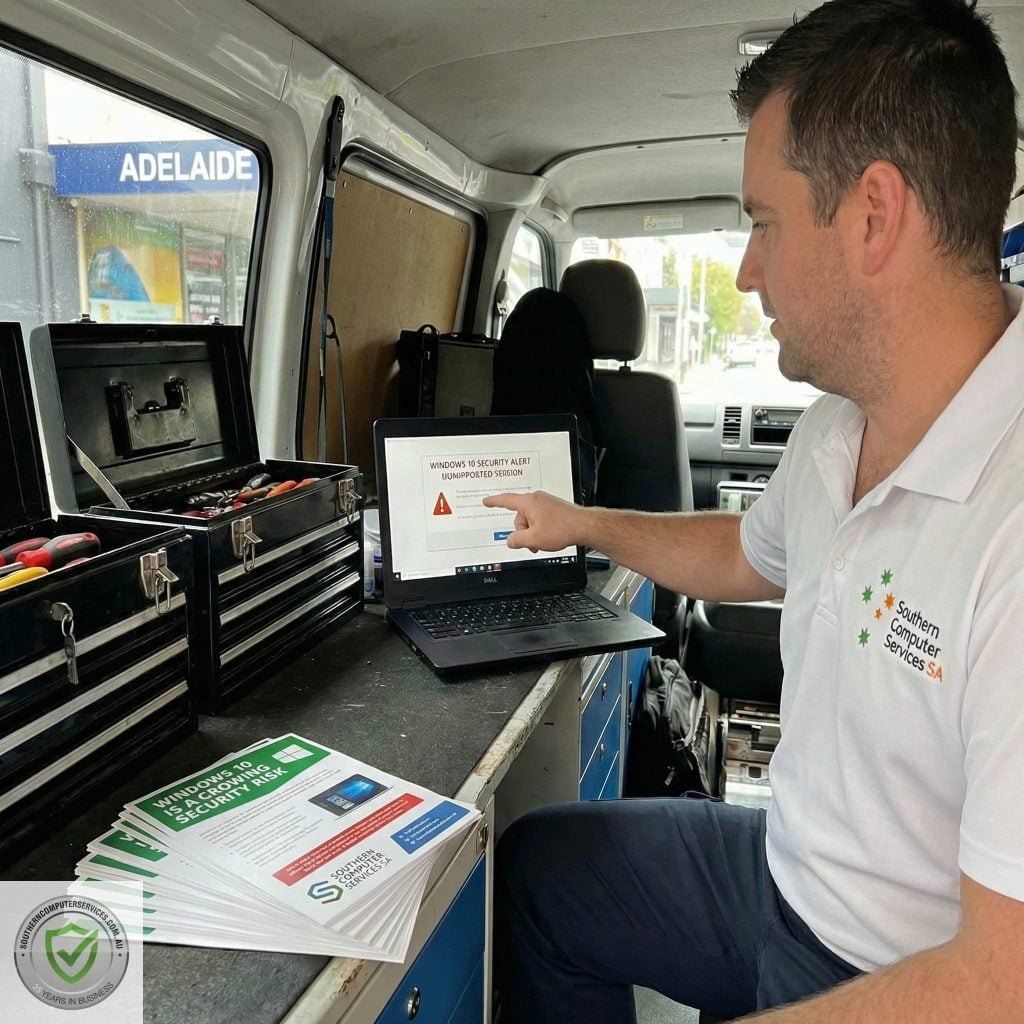
5. How Southern Computer Services SA Can Help
1. Complimentary Compatibility Audit
• On-site or remote assessment of your PC’s Windows 11 readiness.
2. Seamless In-Place Upgrades
• Full data backup, OS installation, driver updates, post-upgrade tuning.
3. Hardware Refresh & Trade-In
• Supply and configure new Windows 11 devices; recycle or refurbish old gear.
4. Security Hardening
• Enable BitLocker, set up user account controls, configure Defender for Business, and train staff on phishing awareness.
Conclusion
Cyber-threats evolve daily, but operating systems must outpace them. Windows 10, once the gold standard, has now reached its final chapter, bringing heightened risk and diminishing protection. Windows 11 is more than a cosmetic refresh—it’s a fundamental security upgrade that uses modern hardware and AI to keep attackers at bay.
Don’t become yet another victim to malicious actors.
Let Southern Computer Services SA guide you to a safer, faster, and future-proof Windows 11 experience—on your schedule, at your location.
Ready to Upgrade?
Call us on 0407396188, email enquiry@southerncomputerservices.com.au, or Contact Us via our online form.
We’ll bring secure computing to your doorstep—anywhere in South Australia.
Stay tuned to our blog for the latest updates on the home computer industry and technology trends.


Still Have Questions?
© 2025 Southern Computer Services SA – Computer & Laptop Repair Specialists

