




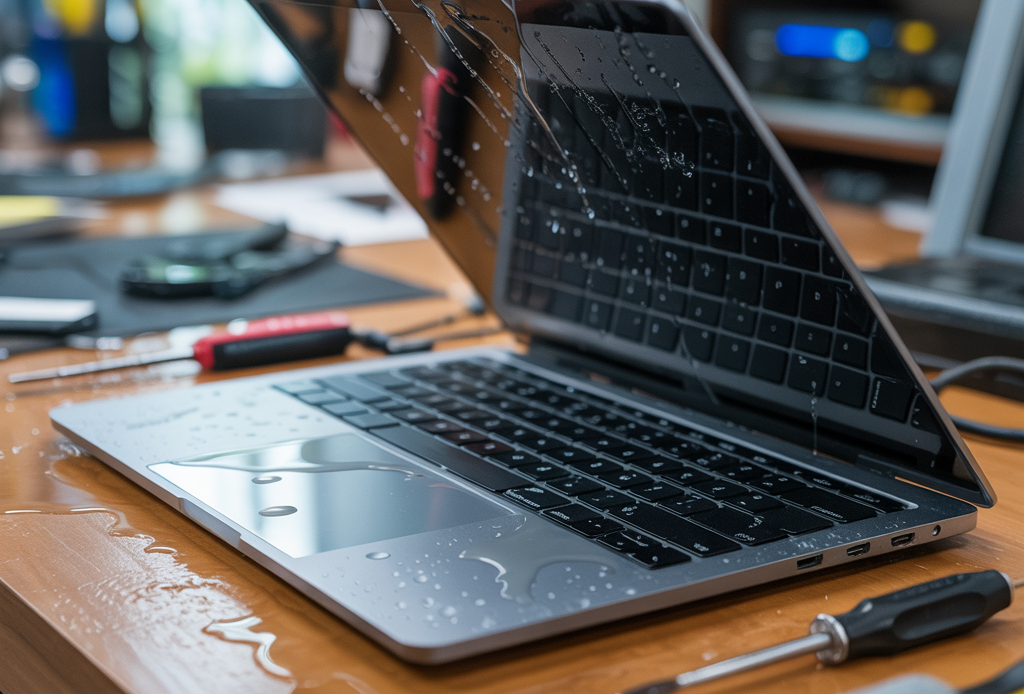
Laptop Water Damage: What to Do and How to Prevent It
Accidents happen in a split second—a knocked-over glass, a sudden downpour, or a leaky water bottle in your bag. For many, the horror of seeing water spill onto a laptop is a nightmare scenario. At Southern Computer Services SA, we’ve helped countless customers recover from water damage disasters. In this article, we’ll explain what to do if your laptop gets wet, what not to do, and how you can prevent water damage in the first place.
What Happens When Your Laptop Gets Wet?
Water and electronics are a dangerous combination. Even a small spill can cause big problems:
- Short circuits: Water can bridge connections on the motherboard, causing electrical shorts.
- Corrosion: Over time, moisture can cause metal components to rust and fail.
- Component failure: Damage to the keyboard, battery, or screen can render a laptop unusable.
Immediate Steps to Take After Spilling Water on Your Laptop
1. Power Off Immediately
– Hold down the power button until the laptop shuts down.
– Unplug the charger and remove any connected devices (USB drives, mouse, etc.).
– If possible, remove the battery.
2. Drain Excess Water
– Turn the laptop upside down to let water drain out.
– Gently blot visible moisture with a lint-free cloth or paper towel.
3. Let It Dry
– Place the laptop in an upside-down “tent” position on a towel.
– Leave it to air dry for at least 24-48 hours.
– Avoid using a hairdryer or direct heat, which can damage internal components.
4. Seek Professional Help
– Water damage is unpredictable. Even if your laptop seems fine after drying, hidden damage can occur.
– Contact a mobile computer repair technician who can disassemble your laptop, clean components, and ensure there’s no lingering moisture or corrosion.
What NOT to Do
- Don’t turn it on to “check” if it works. This can cause a short circuit.
- Don’t use rice. While it can absorb some moisture, it won’t reach inside the laptop where water does the most harm.
- Don’t ignore the problem. Corrosion can set in even days after the incident.
Preventing Laptop Water Damage
- Keep drinks and liquids away from your laptop.
- Use a waterproof laptop case or sleeve when travelling.
- Avoid using your laptop near pools, sinks, or bathtubs.
- Consider a keyboard cover to protect against minor spills.
- Store your laptop in a dry, secure location when it’s not in use.
- Regularly inspect your workspace for potential hazards such as water bottles, plants, or other liquids that could tip over.
- Educate family members or coworkers about the importance of keeping electronics away from water sources, especially in shared environments.
Why Professional Repair Is Essential
Attempting to fix water damage yourself can be risky, as opening your laptop without proper tools or knowledge might cause further harm. Our trained technicians use specialised equipment to safely dismantle, clean, and restore your device. This thorough process helps save your data and prolong the life of your laptop, giving you peace of mind.
Need Help? We Come to You!
At Southern Computer Services SA, we offer fast, reliable laptop water damage repair right at your doorstep, 7 days a week. Our expert technicians will:
- Professionally clean and dry your laptop’s internal components
- Test for lingering issues or corrosion
- Advise on possible part replacements if necessary
Don’t let water damage ruin your device or your day—contact us today for same-day mobile repair!
Have a question or need immediate assistance? Contact us here or call us on 0407396188.
Stay safe, and keep your technology dry!
Stay tuned to our blog for the latest updates on the semiconductor industry and technology trends.
Still Have Questions?
© 2025 Southern Computer Services SA – Computer & Laptop Repair Specialists

