




Laptop Maintenance and Care
Proper laptop maintenance is essential to ensure its longevity and optimal performance. By following these comprehensive care and maintenance tips, you can keep your device running smoothly for years to come.
1. Keep Your Laptop Clean
Regular cleaning prevents dust and debris from affecting your laptop’s functionality.
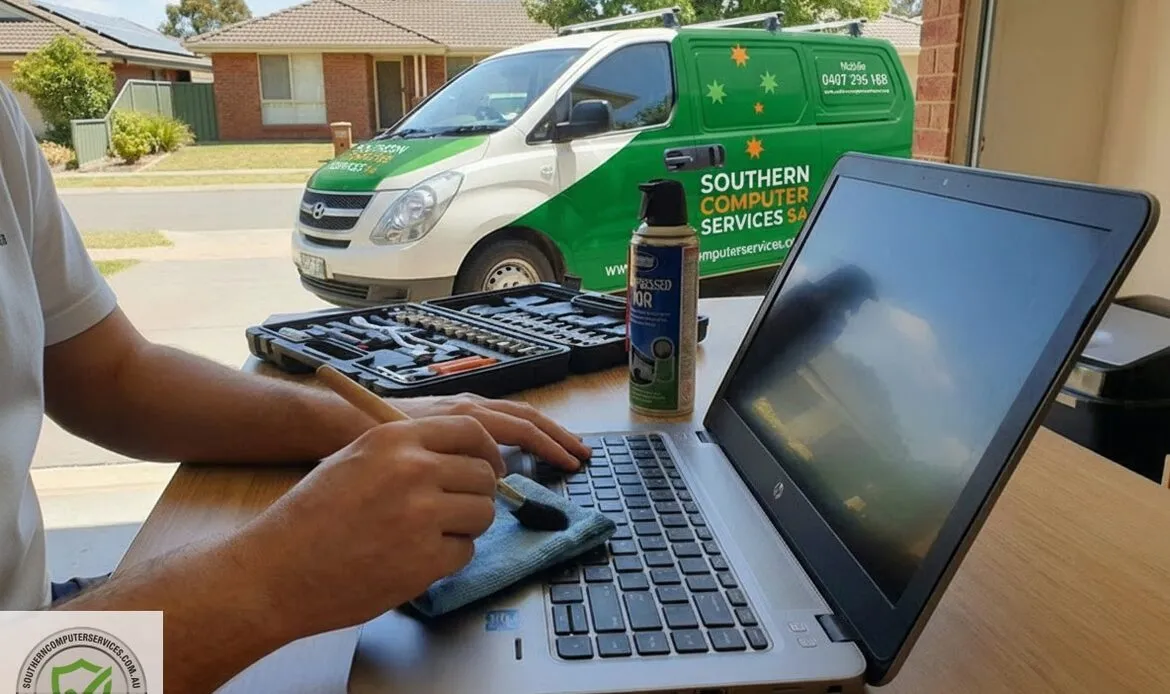
-Keyboard and Touchpad: Gently wipe with a soft microfiber cloth. For stubborn grime, use a cloth slightly dampened with rubbing alcohol.
– Screen: Use a microfiber cloth to clean the display. For persistent marks, lightly dampen the cloth with a mixture of distilled water and isopropyl alcohol.
– Vents: Utilise compressed air to remove dust from vents, ensuring proper airflow and preventing overheating.
2. Handle with Care
Proper handling minimises the risk of physical damage.
– Transport: Use a well-cushioned bag designed for laptops. Avoid placing heavy objects on top of the device.
– Opening and Closing: Always close the lid gently, applying even pressure to avoid damaging the hinges or screen.
3. Optimise Battery Health
Effective battery management extends its lifespan.
– Charging Practices: Avoid letting the battery drain completely before recharging. Aim to keep it between 20% and 80% charge.
– Power Settings: Activate power-saving modes and adjust settings like screen brightness to conserve battery life.
4. Maintain a Safe Environment
The surroundings in which you use your laptop can impact its performance.
– Temperature Control: Avoid exposing your laptop to extreme temperatures. Do not leave it in a parked car during hot summer or cold winter conditions.
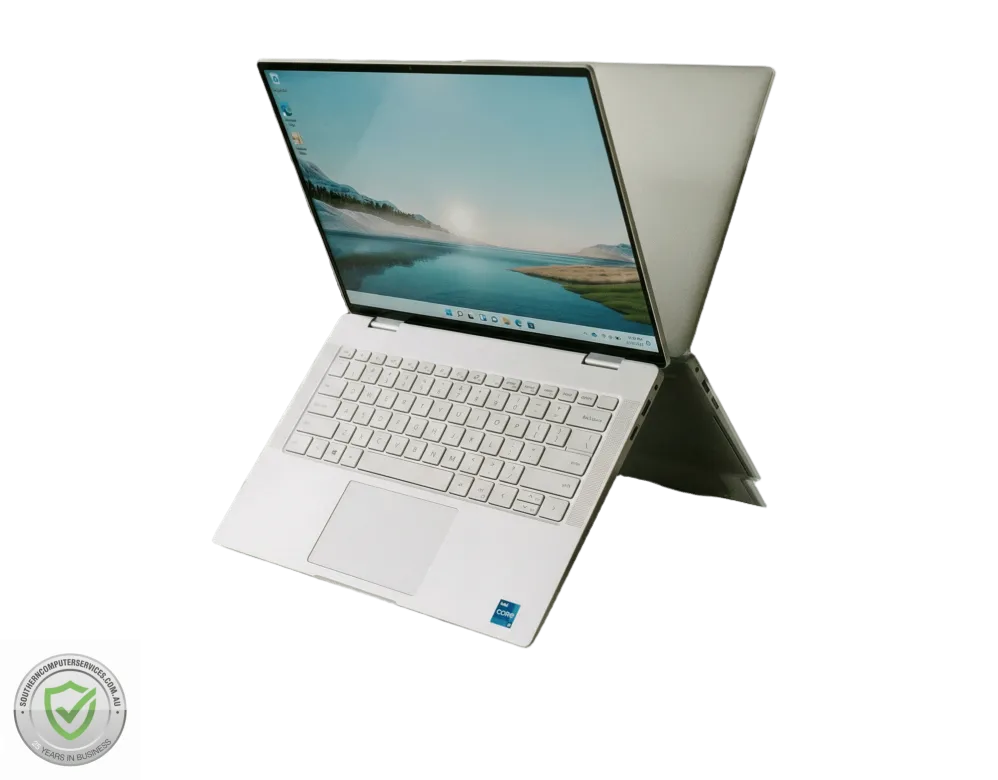
– Surface Use: Place your laptop on hard, even surfaces to ensure proper ventilation and prevent overheating.
5. Regular Software Maintenance
Keeping software up to date ensures security and efficiency.
– Updates: Regularly update your operating system and software to fix bugs and improve performance.
– Antivirus Protection: Install reputable antivirus software and perform regular scans to protect against malware.
“The path of a computer repair technician is paved with challenges that lead to expertise.”
Unknown
6. Data Backup
Regular backups safeguard your important files.
– Backup Methods: Use external hard drives or cloud storage services to back up data regularly, protecting against data loss due to hardware failure or malware.
7. Avoid Eating and Drinking Near Your Laptop
Spills can cause significant damage to internal components.
– Preventive Measures: Keep food and beverages away from your laptop to avoid accidental spills that could harm the device.
8. Manage Cables Properly
Organised cables prevent damage and ensure safety.
– Cable Care: Avoid bending or twisting power cords and other cables excessively. Store them neatly to prevent wear and tear.
By incorporating these laptop maintenance practices into your routine, you can significantly enhance your machine’s durability and performance, ensuring it remains a reliable tool for your daily tasks.
© 2025 Southern Computer Services SA – Computer & Laptop Repair Specialists


1 reply on “Laptop Maintenance and Care Tips”
Very informative article! I especially liked the points about battery care, proper ventilation, and regular software maintenance. Small habits like these can really help prevent common laptop problems and extend the device’s life. Thanks for sharing such practical maintenance tips.