

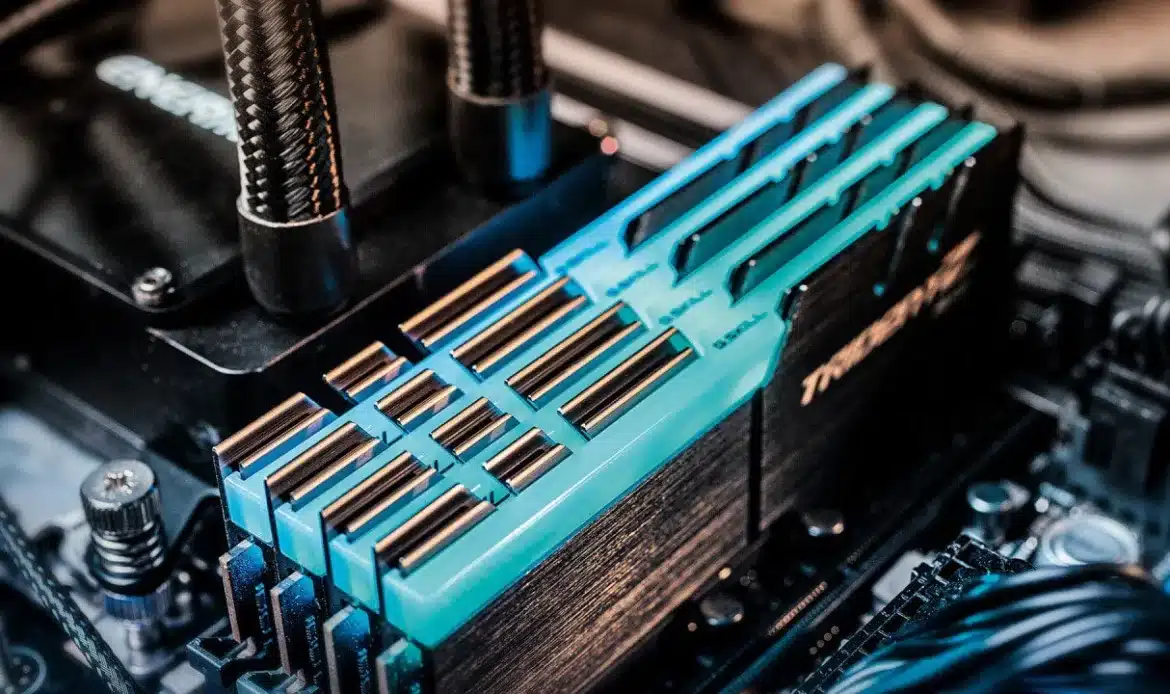
How Much Memory Do You Really Need in 2025?
A Practical Guide for Home & Office PCs from Southern Computer Services SA
TL;DR
User Type | Minimum (Works) | Recommended (Smooth) | Heavy-Duty (No-Compromise)
Email & Web Browsing | 8 GB | 16 GB
Office Suite & Video Calls | 8 GB | 16 GB | 32 GB
Content Creation (Photo/Light Video) | 16 GB | 32 GB | 64 GB
Gaming | 16 GB | 32 GB | 32–64 GB
CAD / 4K Video / Virtual Machines | 32 GB | 64 GB | 64 GB+
*If you just needed the quick answer, there it is! For everyone else, read on..
1. What Is RAM and Why Does It Matter?
Random Access Memory (RAM) is your computer’s short-term workspace. The more RAM available, the more programs and browser tabs you can keep open without slowing down. Unlike your SSD or hard drive, RAM is extremely fast but volatile—everything in it disappears when power is off.
2. How Modern Software Uses RAM
1. Operating Systems:
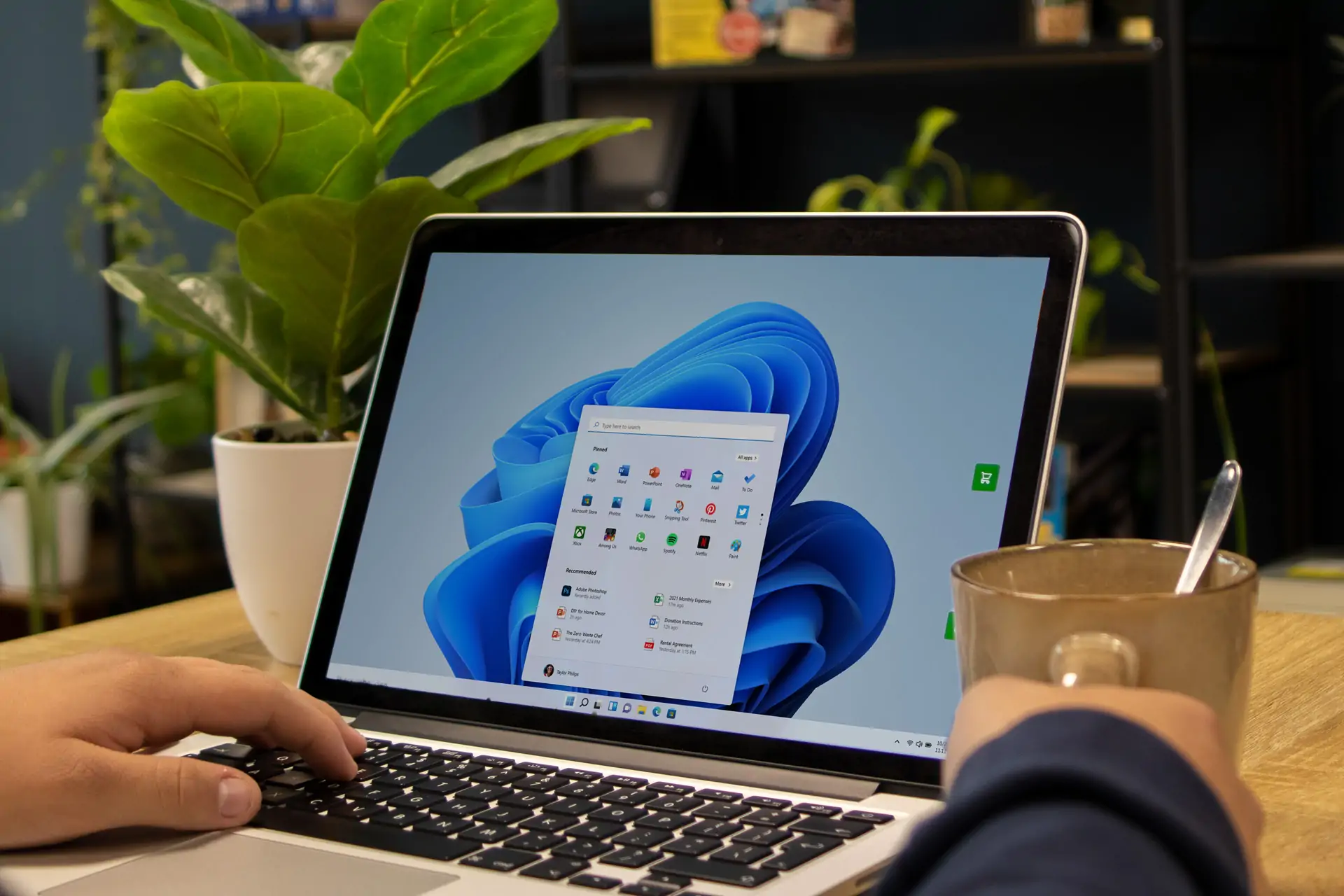
• Windows 11 Pro can idle at 3–4 GB.
2. Browsers:
• Chrome/Edge/Firefox average 200-400 MB per tab once media and extensions load.
3. Productivity Suites:
• Microsoft Office: 300–600 MB per major app.
• Zoom/Teams: 500 MB–1 GB during HD calls.
4. Creative Software:
• Adobe Photoshop: 1–2 GB baseline; complex files 4 GB+.
• Premiere Pro & DaVinci Resolve: 4 GB baseline, then 1 GB per minute of 4K footage.
5. Games:
• Latest AAA titles often list 16 GB “minimum.” 32 GB lets you keep Discord, Chrome, and RGB software open without stutter.
3. Home PC Memory Needs
Light Users (Email, Streaming, Schoolwork)
– 8 GB is still serviceable—especially on Chromebooks or budget laptops.
– Why you might move to 16 GB: Life span; OS updates creep upward in usage every year.
Multitaskers (Multiple Tabs, Office 365, Photo Editing)
– 16 GB keeps things fluid, especially with high-resolution streaming or moderate Lightroom work.
– Pro Tip: Dual-channel (2 × 8 GB) performs ~10-15 % better than a single 16 GB stick.
4. Office & Small-Business Workstations
Standard Office PCs
– Recommended: 16 GB
Handles spreadsheets, QuickBooks, CRM dashboards, and constant Teams calls.
Power Users & Analysts
– 32 GB reduces Excel recalculation times on multi-megabyte models and lets you run local Power BI.
Virtual Desktops / Developers
– 32–64 GB if you’re spinning up Docker containers, VMs, or local databases.
5. Future-Proofing: DDR4 vs. DDR5
| Feature | DDR4 | DDR5
| Standard Speed | 2133–3200 MT/s | 4800–6400 MT/s (and rising) |
| Max Module Size (Mainstream) | 32 GB | 64 GB (128 GB incoming) |
| Voltage | 1.2 V | 1.1 V (cooler & greener)
If you’re building or buying new today, DDR5 motherboards and CPUs (Intel 12th-Gen+ / AMD Ryzen 7000+) may be worth the extra premium for longevity.
6. Signs You Need an Upgrade
– System uses 80–90 % RAM while idle (check Task Manager ⇨ Performance).
– Frequent out-of-memory errors or app crashes.
– Disk usage spikes to 100 %—the OS is paging data to the SSD to compensate.
– Slow alt-tabbing or video call drop-outs when several apps are open.
7. Upgrade Checklist
1. Identify Form Factor:
• Desktops use DIMMs; laptops use SODIMMs.
2. Match Specs:
• DDR3, DDR4, or DDR5 not interchangeable.
3. Check Maximum Capacity:
• Look up motherboard or laptop model—many older systems cap at 16 GB or 32 GB.
4. Install in Pairs:
• Exploits dual-channel for up to 20 % more bandwidth.
5. Firmware Update:
• Flash BIOS if you’re adding high-capacity or faster DDR5 sticks.
Feeling overwhelmed? Our technicians can handle sourcing, installation, and stress-testing.
8. Cost Snapshot (Q2-2024, USD)
– 8 GB DDR4-3200: ≈ $20
– 16 GB (2 × 8) DDR4-3200: ≈ $35
– 32 GB (2 × 16) DDR4-3200: ≈ $65
– 32 GB (2 × 16) DDR5-5600: ≈ $95
– 64 GB (2 × 32) DDR5-6000: ≈ $170
(Prices swing monthly; call us for current deals.)
“The trouble with programmers is that you can never tell what a programmer is doing until it’s too late.”
Seymour Cray (Supercomputer Pioneer)
9. FAQ
Q: Will more RAM speed up my internet?
A: Not directly, but it prevents browser stutter and keeps multiple tabs responsive.
Q: I have 4 GB—should I upgrade or replace?
A: Jumping from 4 GB to 8 GB can feel transformative, but many 4 GB machines also use aging CPUs and slow HDDs. We’ll run a free diagnostic to see if it’s worth the RAM alone or a full refresh.
Q: Can I mix brands or speeds?
A: Yes, but all sticks will down-clock to the slowest module. Mixing voltages or timings can cause instability—let us pair matched sets for you.
10. Key Takeaways
1. 16 GB is the new mainstream sweet spot for home and office.
2. 32 GB is ideal for power users, gamers, and creative pros.
3. 64 GB+ is niche but essential for heavy 4K editing, CAD, or virtualized labs.
4. Upgrading RAM is one of the fastest, cheapest ways to extend a PC’s usable life.
Need Help Deciding or Installing? (see https://southerncomputerservices.com.au/service/ram-memory-upgrade/)
Or
📞 Call us on 0407396188
💻 Book online: southerncomputerservices.com.au/contact-us/
Our certified technicians will check compatibility, clean the internals, install your new RAM, and verify stability—all backed by a 1-year parts & labor warranty.
Faster PC. Happier You. See you soon!